

Advertisement

Advertisement
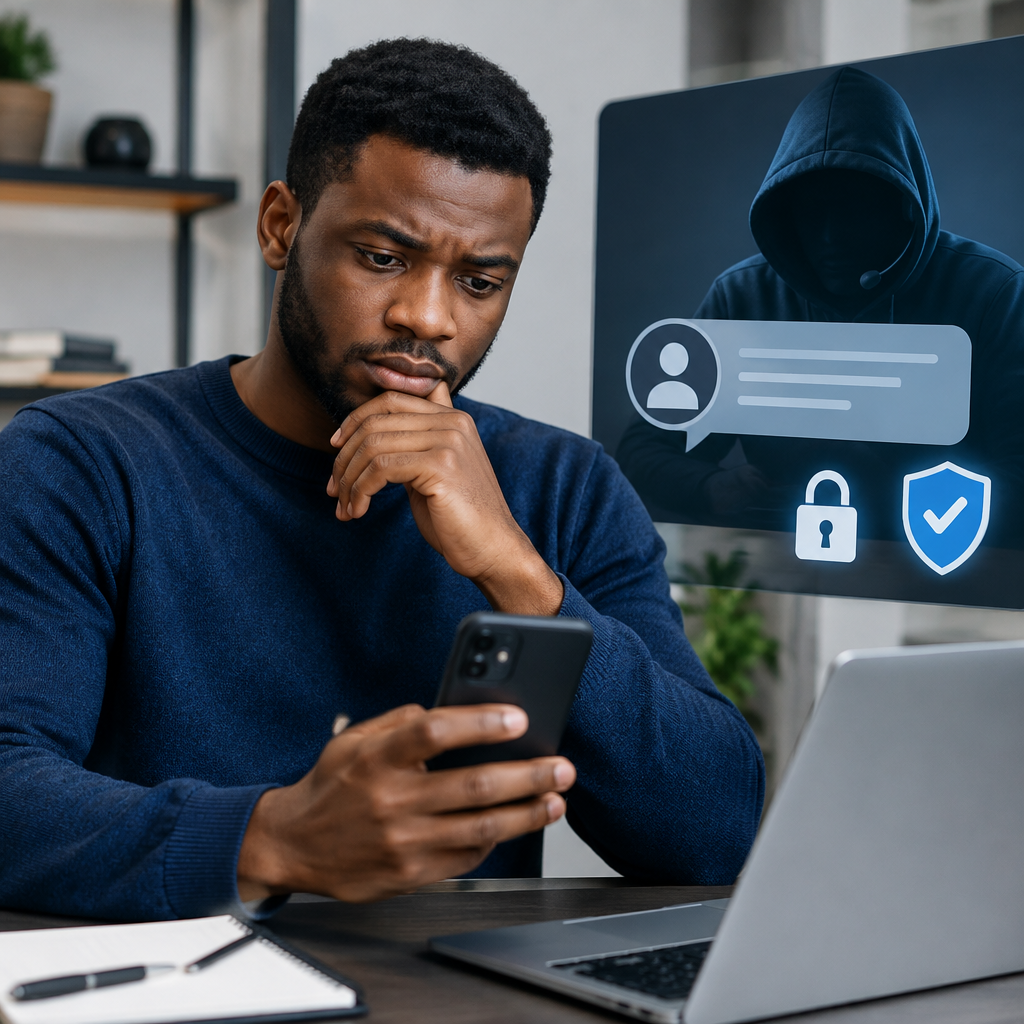
If you have a problem with a crypto account, the fastest-looking solution may be the most dangerous. A person claiming to work for an exchange or wallet may contact you through social media, WhatsApp, Telegram, email or a messaging app and offer to “unlock” your funds. The person may use the platform’s logo, copy its language and even know your username.
In many cases, this is not customer support. It is an impersonation scam designed to steal your password, one-time code, identity documents, cryptocurrency or wallet recovery phrase.
Advertisement
The safest rule is simple: start with the platform’s official website or app, not a message sent to you by someone who claims to be support.
Table of Contents
Why crypto support impersonation is so effective
Crypto users often need urgent help. An account may be restricted, a withdrawal may be pending, a transfer may have gone to the wrong address or a verification request may appear confusing. Scammers exploit this anxiety by creating pressure and offering a quick fix.
They may find potential victims through public posts. For example, if you write on X, Facebook, Telegram or a community forum that you cannot access your account, several fake agents may reply within minutes. They may tell you to send a direct message, complete a “security check” or pay a fee before your account can be restored.
For Nigerian users, the scam may also involve local payment methods, mobile-money requests or claims that a payment is needed to satisfy a regulatory or verification requirement. A professional-looking message is not proof that the sender is genuine.
Common signs that a crypto support agent is fake
They contact you first about a problem you did not report
Be cautious if someone unexpectedly claims that your account has been flagged, hacked or selected for review. A scammer may use a frightening warning to make you respond without checking the source.
They ask for your recovery phrase or private key
No legitimate support agent needs your wallet’s recovery phrase or private key. These details can control access to funds. Anyone who asks for them is attempting to take control of the wallet.
Never send a recovery phrase by text, email, form, screenshot or voice call. Do not enter it into a website supplied by a stranger.
They request a password, PIN or one-time code
Customer support should not need your account password, authenticator code, SMS verification code or email login details. A one-time code is intended to confirm an action by you. Giving it to another person may allow that person to sign in or approve a transaction.
They demand payment to release your funds
Scammers often invent a “release fee”, “tax”, “anti-money-laundering charge”, “verification deposit” or “network clearance payment”. They may promise that the money will be refunded or added to your balance.
Do not send cryptocurrency to unlock cryptocurrency. Stop and verify the request through the platform’s official support process.
The account name or website address is slightly different
Impersonators may use a name that looks almost identical to the real platform. Check every letter in the website address and be careful with shortened links. A familiar logo, blue tick or large follower count does not prove that an account is official.
They create urgency or secrecy
“Act within 10 minutes”, “do not tell anyone” and “your funds will be permanently lost” are common pressure tactics. Urgency is a reason to slow down, not a reason to share sensitive information.
How to verify the real support channel
- Open the platform directly. Type the known website address yourself or use the official app already installed on your device. Avoid links in unexpected messages and comments.
- Find the Help Centre or support section. Use the platform’s published support form, ticket system or in-app chat. Do not rely on a phone number or contact address supplied by a stranger.
- Compare the contact details carefully. Check the exact domain name, spelling and account handle. Fraudsters often replace one letter, add a word or use a different domain ending.
- Continue the conversation only inside the official support system. If a person moves you to Telegram, WhatsApp or another private chat, treat that as a warning sign.
- Check the platform’s security warnings. Official help pages commonly explain what support staff will never request. Follow those instructions rather than a message from an unknown agent.
Do not assume that a search-engine result is automatically safe. Sponsored results, copied pages and misleading websites can appear convincing. Confirm that the address belongs to the platform before entering login details.
Information you can share—and information you must protect
| Usually safer to share through official support | Never share with a support agent |
|---|---|
| A support ticket number | Password or email password |
| A public wallet address, when genuinely needed to investigate a transaction | Private key or recovery phrase |
| A transaction ID or blockchain reference | OTP, authenticator code or backup code |
| A description of the error message | Card PIN, bank PIN or full card security details |
| Device and app information requested inside the official support process | Remote access to your phone or computer |
A public wallet address can show where a transfer was sent, but it does not prove that a person contacting you is legitimate. Share only what the official support channel requests and remove unnecessary personal information from screenshots.
What to do if you already replied to an impersonator
Act quickly, but do not panic. The correct response depends on what you shared.
- If you shared a password: change it immediately through the official platform website or app. Change it anywhere else you reused it, and enable two-factor authentication if available.
- If you shared a one-time code or authenticator code: review recent sign-ins, devices, withdrawals, API keys and security settings. Revoke anything unfamiliar.
- If you shared your recovery phrase or private key: treat the wallet as compromised. Create a new wallet using a trusted device and move any remaining assets, if it is safe to do so. Do not use the exposed phrase again.
- If you installed remote-access software: disconnect the device from the internet, remove the software and use a clean device to secure your accounts. Consider professional technical assistance if you are unsure what changed.
- If you sent money or cryptocurrency: contact the real platform through its official support route and preserve transaction IDs, wallet addresses, usernames, messages and screenshots. Crypto transfers may be difficult or impossible to reverse, but accurate evidence can help with an investigation.
Also secure the email account connected to the crypto account. An attacker who controls your email may be able to reset passwords or intercept security notices.
A safer workflow when your crypto account has a problem
Use this sequence whenever you need help:
- Stop replying to unsolicited messages.
- Do not click their links or install software they recommend.
- Write down the problem without including passwords, codes or recovery phrases.
- Open the platform directly and submit a support request.
- Check your account activity from a trusted device.
- Keep records of relevant transaction IDs and suspicious messages.
- Ignore anyone who promises guaranteed recovery or asks for an advance payment.
If a scammer claims to be helping you recover money lost in another scam, be especially careful. Recovery scams often target victims a second time.
The key lesson
Legitimate crypto support should be reached through a channel you verify independently. It should not require your recovery phrase, private key, password, PIN or one-time code. When a message creates fear, urgency or secrecy, pause and check the source through the platform’s official website or app.
Protecting a crypto account is not only about strong passwords. It is also about controlling who gets your information and refusing to let a stranger direct your next action. When in doubt, close the conversation and begin again from the official support page.
Advertisement
