

Advertisement

Advertisement
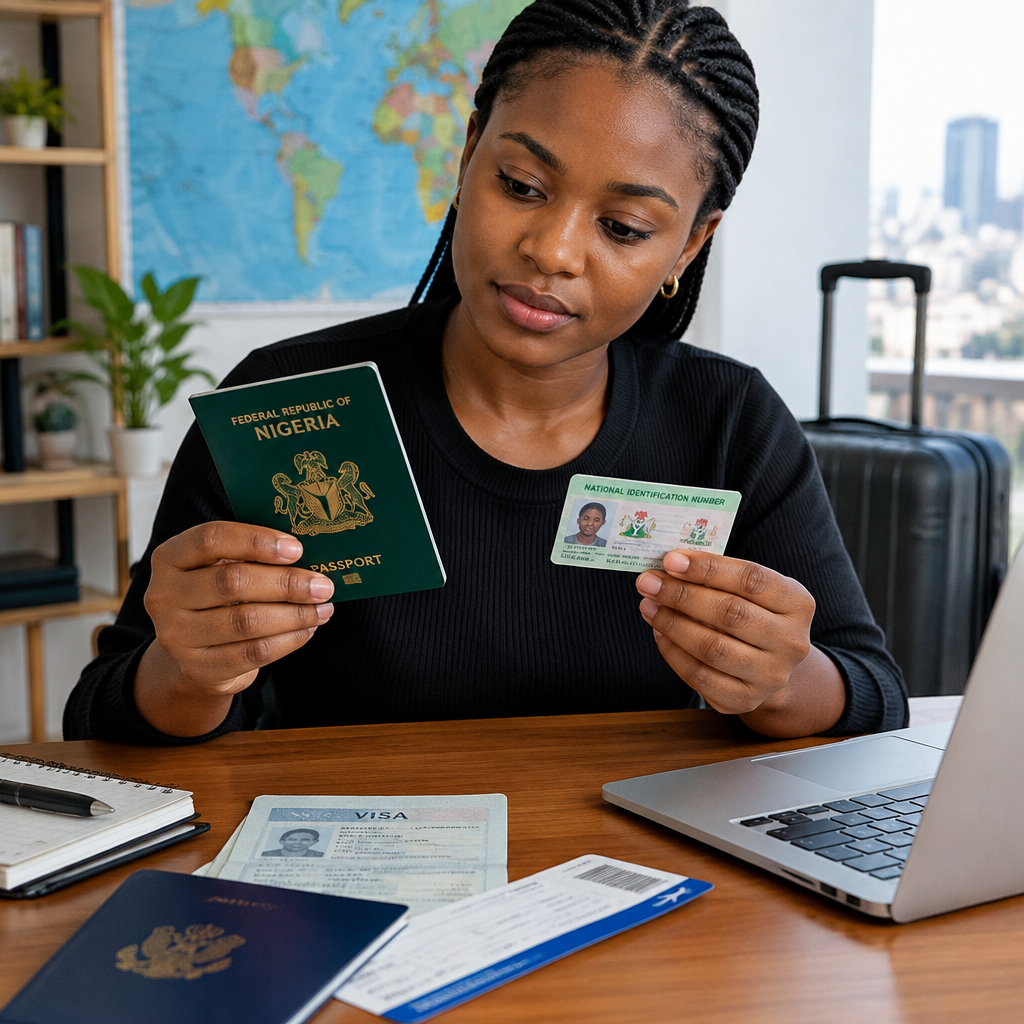
A small difference in the way your name appears on a passport, visa, flight booking or supporting document can create serious problems during travel. A missing middle name, different spelling, reversed name order or unexplained change may lead to delays when checking in, passing immigration or proving that documents belong to the same person.
Before applying for a visa, booking an international flight or submitting travel documents, compare your names carefully. The goal is not always to make every document look identical in every detail. It is to identify inconsistencies early and follow the correct correction process where necessary.
Advertisement
Table of Contents
Which name details should you compare?
Check every part of your name, not just the surname. Compare the following details across your documents:
- Surname or family name
- First or given name
- Middle name or names
- Spelling and letter order
- Number of names shown
- Name order
- Initials and abbreviations
- Spacing, hyphens and punctuation
For example, Chinedu Okafor Daniel, Daniel Chinedu Okafor and Chinedu O. Daniel may refer to the same person, but an airline, embassy, school or immigration authority may not automatically treat them as identical.
Documents worth checking
Make a list of the documents you intend to use for the journey or application. Depending on your situation, this may include:
- International passport
- Visa or electronic travel authorisation
- Flight reservation or ticket
- National Identification Number records or related identity documents
- Birth certificate or declaration of age
- Marriage certificate or court-approved change-of-name document
- Bank statements and employment letters
- School admission or scholarship documents
- Hotel bookings and travel insurance
- Vaccination or medical documents, where required
Not every document will use the same layout. Some forms ask for “given name” and “surname”, while others ask for “first name”, “middle name” and “last name”. Focus first on whether the identity details correspond, then check the requirements of the organisation receiving the documents.
A simple name-consistency check
1. Use your passport as the main reference for travel bookings
For international travel, your passport is usually the key identity document. When entering your name on an airline booking or visa form, copy it carefully from the passport biodata page. Do not rely on memory or use a nickname.
Pay attention to the fields on the form. A form may ask for “surname” separately from “given names”. Enter each part in the matching field rather than guessing based on the order in which the full name appears on the passport.
Some passports display names in a machine-readable format at the bottom of the page. This format may use symbols or combine names differently from the main biodata section. Do not assume that punctuation or symbols in that machine-readable line are part of the name you should type into a booking form.
2. Compare the spelling letter by letter
Look for common errors such as:
- “Mohammed” versus “Muhammad”
- “Oluwaseun” versus “Oluwaseun” with a missing or additional letter
- “Chukwuemeka” versus a shortened form
- A missing apostrophe, hyphen or space
- Two names joined together or separated incorrectly
A difference of one letter can be treated differently from a harmless formatting difference. Do not decide that an error is unimportant simply because the names sound alike.
3. Check whether middle names are missing
Middle-name omissions are common on flight bookings, online forms and older documents. If your passport contains a middle name but a visa application or ticket does not, contact the relevant airline, visa centre or issuing organisation before travelling.
In some systems, there may be limited space or a separate field for additional names. In others, all names are expected. The organisation that issued the document is best placed to confirm whether a correction is needed.
4. Check the order of names
Name order can be confusing because different countries and forms use different conventions. A passport may show the surname first, while a school or employment document may display the given name first.
Do not automatically treat a reversal as a mistake. Compare the labels, such as “surname” and “given names”, and check whether the actual name components are all present. If a visa or ticket places your names in an unexpected order, ask the issuer whether the record is acceptable before making changes.
5. Compare dates of birth and other identity details
Name consistency is only one part of identity verification. Also compare your date of birth, sex where shown, passport number and nationality. A matching name does not solve a different date of birth or an incorrect passport number.
When a passport has been renewed, the passport number may change. Check that a visa, booking or travel authorisation is linked to the passport you will actually use. If a valid visa is connected to an old passport, you may need to carry both passports or follow the issuing authority’s instructions.
Which differences are most risky?
| Difference | Why it matters | What to do |
|---|---|---|
| One missing or extra letter | It may appear to be a different identity | Ask the issuing organisation whether correction is required |
| Missing middle name | Some systems require all names to match | Confirm with the airline, embassy or application portal |
| Reversed order | It may be a field-format issue rather than a real error | Check the labels and obtain clarification if uncertain |
| Nickname or shortened name | It may not be accepted for official travel | Use the passport name and request a correction |
| Legal name change | Documents may show different identities without proof | Prepare the relevant legal evidence and follow official instructions |
| Different date of birth | It can raise a major identity concern | Resolve it before travel or submission |
What to do when your names do not match
Do not edit an official document yourself, cover part of a name or create a second account to avoid the problem. Altering a document can make the situation more serious.
First, identify which document contains the error and which document is the correct reference. Then contact the organisation that issued the incorrect record. For example, a passport issue should be directed to the relevant Nigerian passport authority or official passport service channel. A flight-name issue should be directed to the airline or booking provider. A visa error should be reported to the embassy, consulate, visa centre or immigration authority responsible for that visa.
Ask specifically:
- Whether the difference is acceptable for travel
- Whether the record can be corrected
- What evidence is required
- Whether a correction deadline applies
- Whether a new application, ticket or document is necessary
Keep copies of your request and any response. If you speak to an agent by phone, record the date, department and guidance received. Use official contact channels rather than relying on social media messages or unofficial agents.
Evidence that may help explain a difference
The documents needed depend on the problem and the authority involved. Possible supporting evidence may include a birth certificate, declaration of age, national identity record, marriage certificate, court document, newspaper publication where legally relevant, or other official name-change evidence.
Do not assume that an affidavit or a letter will automatically correct every passport, visa or airline record. Ask the receiving organisation what it accepts before paying for document preparation. Requirements can differ between countries, agencies and application types.
Before you book or submit an application
- Scan or photograph the passport biodata page clearly for your own reference.
- Copy names directly from the passport instead of typing from memory.
- Review the booking confirmation immediately after payment.
- Check visa forms before final submission because some systems do not allow easy changes.
- Confirm that the passport number and expiry details are correct.
- Keep supporting documents together in both printed and secure digital form.
- Allow time for corrections instead of waiting until the travel date.
Be especially careful when applying for study, work or immigration opportunities. A name mismatch between your passport, admission letter, employment records and visa application can create additional questions about your identity or supporting evidence.
A practical example
Imagine that a traveller’s passport shows AMINA YUSUF IBRAHIM, but the flight booking shows AMINA IBRAHIM and the visa application shows YUSUF IBRAHIM AMINA. The traveller should not assume that all three records will be accepted because the same words appear somewhere in each document.
The next step is to compare how each system labels the fields, then contact the airline and visa authority with the passport details. The traveller should ask whether the middle name may be omitted on the ticket, whether the visa record needs correction and whether the name order reflects the form’s format. The answer should come from the relevant issuer, not from an online guess.
Final takeaway
Check name consistency as soon as you begin preparing for travel, not at the airport. Use the passport biodata page as your starting reference, compare every name component and verify unusual differences with the organisation that issued the document. Early clarification is usually safer and less stressful than discovering a mismatch during check-in, visa processing or immigration inspection.
Advertisement
