

Advertisement

Advertisement
A phone can look almost perfect and still have been repaired, returned or previously activated. Some sellers may describe such a device as “new” because it has a new box, replacement parts or no obvious scratches. If you are buying an expensive smartphone in Nigeria, a few checks can help you determine whether the device is genuinely new, open-box or refurbished.
The safest approach is to inspect the phone before completing the purchase or accepting delivery. Check the packaging, compare the device identifiers, review the software and look for signs of previous use. If the seller refuses reasonable checks, treat that as a warning sign.
Advertisement
Table of Contents
Understand the difference between new, open-box and refurbished
A new phone should generally be unused, supplied in its original packaging and sold with the manufacturer’s applicable warranty. It may have been manufactured months earlier, but it should not have been activated or used by another customer.
An open-box phone may be genuine but has been opened, displayed, returned or briefly handled. It may still be in excellent condition, but it should not be priced or described in the same way as a sealed, unused device.
A refurbished phone has previously been used or returned and then inspected, repaired, cleaned or fitted with replacement components. Refurbished phones can work well, but the buyer should know the device’s history and receive an appropriate warranty.
The problem is not always refurbishment itself. The problem is paying the price of a new phone without being told that the device is refurbished or previously used.
Start with the box and seals
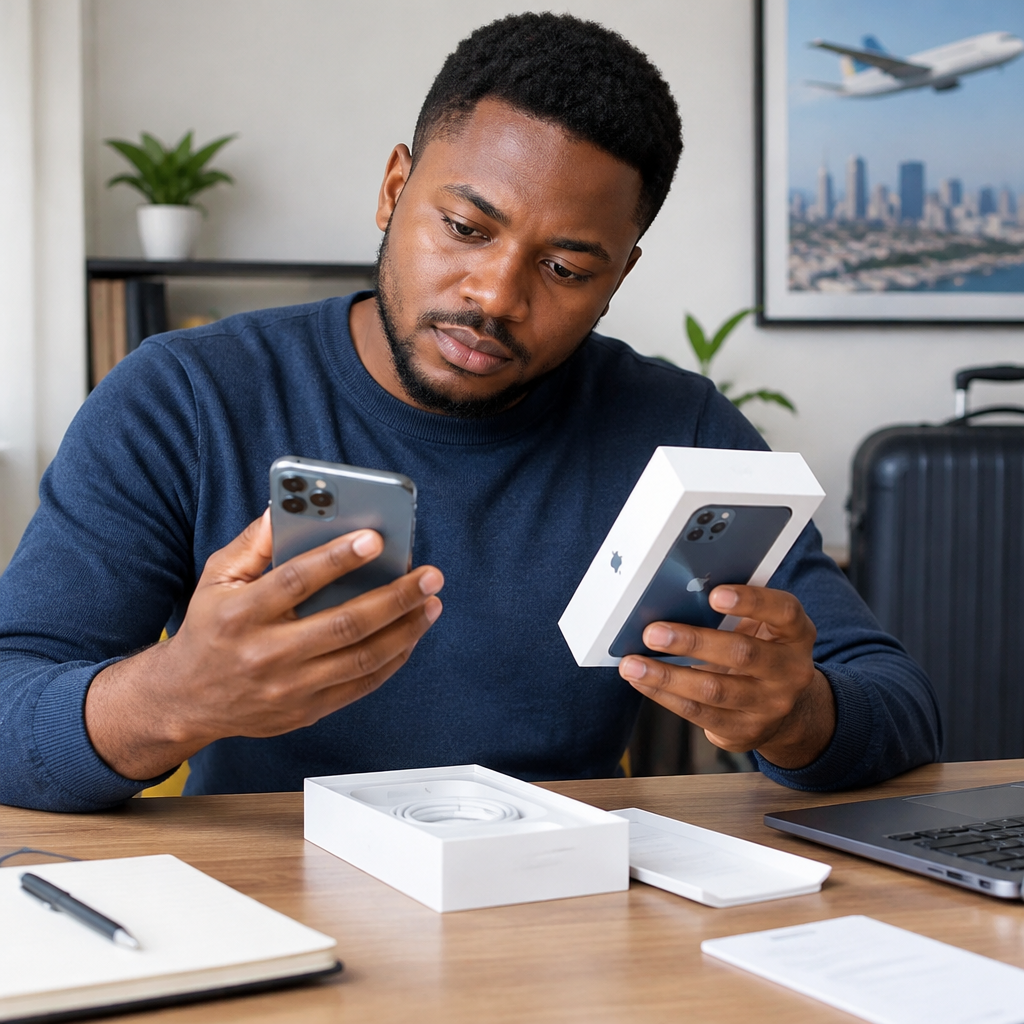
Inspect the packaging before allowing the seller to open it. Look for broken seals, extra tape, glue marks, damaged edges or a box that appears to have been opened and resealed. A seal alone is not proof that a phone is new because packaging can be replaced or resealed.
Check whether the printing, labels and model information look professional and consistent. Spelling mistakes, poor-quality printing, mismatched labels or a box that does not properly fit the phone can indicate unofficial packaging or a repackaged device.
Do not assume that shrink-wrap means the phone has never been used. Some sellers wrap used phones again. Packaging is only one part of the inspection, not the final proof.
Compare the IMEI and serial numbers
The IMEI is a unique identifier used to identify a mobile device. You can usually display it by entering *#06# in the phone app. It may also appear in the phone’s settings, on the original box and sometimes on a label or SIM tray.
Compare the IMEI shown on the phone with the IMEI printed on the box. On a dual-SIM phone, there may be two IMEI numbers. Make sure you understand which number belongs to each SIM slot and check that the information is consistent.
Also compare the model number and serial number in the phone’s settings with the information on the packaging. A mismatch can mean that the box belongs to another phone, the device has been replaced, or the packaging is not original.
An IMEI match does not prove that the phone is new. It only confirms that the identifiers are consistent. A used phone can still have its original IMEI and box.
Check whether the phone has already been activated
When a genuinely new phone starts for the first time, it normally displays an initial setup screen. A device that opens directly to a home screen, contains an existing user profile or has previously configured apps may have been used.
During inspection, look for:
- An existing Google account or Apple Account
- Previous photos, call logs, messages or contacts
- Installed applications that are not part of the normal system setup
- A recorded screen-time history or usage statistics
- Saved Wi-Fi networks or Bluetooth devices
- Evidence that the phone has already been reset more than once
A seller may reset a used phone before selling it. Therefore, seeing the setup screen is helpful but not conclusive. Ask whether you can inspect the settings before the device is reset or before you complete payment.
Examine the physical condition carefully
Use bright light to inspect the screen, frame, camera lenses, charging port and back panel. Look for fine scratches, dents, discolouration, fingerprints under the screen protector or dust around openings. Small marks near the charging port are particularly useful clues because they may result from repeated charging.
Check the screws, SIM tray and edges for tool marks or uneven gaps. A phone that has been opened for repair may have a loose panel, unusual adhesive marks or a screen that does not sit evenly in the frame.
Test the buttons, fingerprint reader, Face ID or other biometric feature, cameras, speakers, microphone, vibration, torch and charging connection. Refurbished devices may have replacement parts that look acceptable but do not perform like the original components.
Review the battery information
Battery condition can reveal previous use, although it should not be treated as conclusive proof. On an iPhone, check the battery information in Settings. On Android phones, the location and amount of battery information varies by manufacturer and software version.
A phone sold as new with noticeably reduced battery capacity, a high charge-cycle count or unusually rapid battery drain deserves an explanation. A replacement battery may also be fitted in a refurbished device, so a high battery percentage alone does not establish that the phone is unused.
During testing, watch for overheating, sudden drops in battery percentage, slow charging or a battery warning. Use the correct charger and avoid judging the phone only after a few minutes of use.
Look for replacement parts or warning messages
Some phones display a message when a component cannot be verified as an original part or when a repair has been detected. Check the device’s general information, repair history or parts-and-service section where the manufacturer provides one.
On some models, a warning may appear for a replaced screen, battery or camera. The exact wording and location differ between phones, so the absence of a warning does not guarantee that every component is original.
Pay attention to screen quality, camera focus, colour accuracy, touch response and the automatic brightness sensor. Poor performance in one of these areas may indicate a low-quality replacement part or an unresolved repair.
Verify the warranty through the manufacturer
Use the manufacturer’s official warranty or device-support page where available. Enter the serial number or other requested identifier and compare the result with the seller’s claim.
A warranty that started months earlier can suggest that the phone was activated or registered before you bought it. However, warranty dates can also be affected by regional sales arrangements, stock delays or incomplete records. Treat the result as evidence to discuss with the seller, not as the only test.
Ask for a proper invoice showing the seller’s name, phone model, IMEI or serial number, purchase date and warranty terms. Keep the receipt and delivery records in case you need to make a complaint or request a return.
Use a simple buying workflow
- Before payment: ask whether the phone is brand new, open-box, used or refurbished.
- Before opening: inspect the box, labels, seals and model information.
- After opening: compare the IMEI, serial number and model with the box.
- During setup: check for previous accounts, data, activation and usage information.
- During testing: inspect the screen, cameras, charging, battery, speakers, microphone and network connection.
- Before leaving or accepting delivery: confirm the invoice, warranty and return policy.
For online shopping, record an unbroken unboxing video and photograph the packaging, device identifiers and any visible damage. Do not share your IMEI publicly or post clear images of documents containing personal information. The recording may help establish what you received, but it does not replace the seller’s written return policy.
Warning signs that should make you pause
- The seller says you cannot inspect the phone before payment.
- The price is far below the normal price for the same model and storage size.
- The IMEI on the phone does not match the box or receipt.
- The device contains another person’s information or shows previous usage.
- The seller avoids questions about warranty, repairs or the phone’s condition.
- The phone is described as “UK used,” “renewed” or “clean” without clearly stating its condition.
- The seller offers only a verbal guarantee and no usable invoice.
Do not allow pressure, urgency or a supposed limited offer to replace basic checks. If a seller claims that inspection will void the warranty, ask for the warranty terms in writing and consider buying elsewhere.
What to do if you discover the phone is refurbished
Stop using the device for sensitive accounts until you decide whether to keep it. Record the condition, save your receipt and contact the seller promptly. Ask for a return, replacement or price adjustment based on what was advertised and the seller’s stated policy.
If you keep a refurbished phone, change any accounts that may have been configured on it, perform a complete factory reset and install system updates from the official manufacturer. Never enter your banking password, card details, PIN, one-time password or other sensitive information into a phone whose history is uncertain before securing it properly.
The most reliable protection is a combination of checks: matching identifiers, examining activation and usage evidence, testing the hardware, reviewing warranty information and obtaining a clear invoice. No single seal, IMEI check or battery reading can prove that a phone is new. When the seller is transparent and the documentation agrees with the device, you can make a much safer buying decision.
Advertisement
