

Advertisement
Advertisement
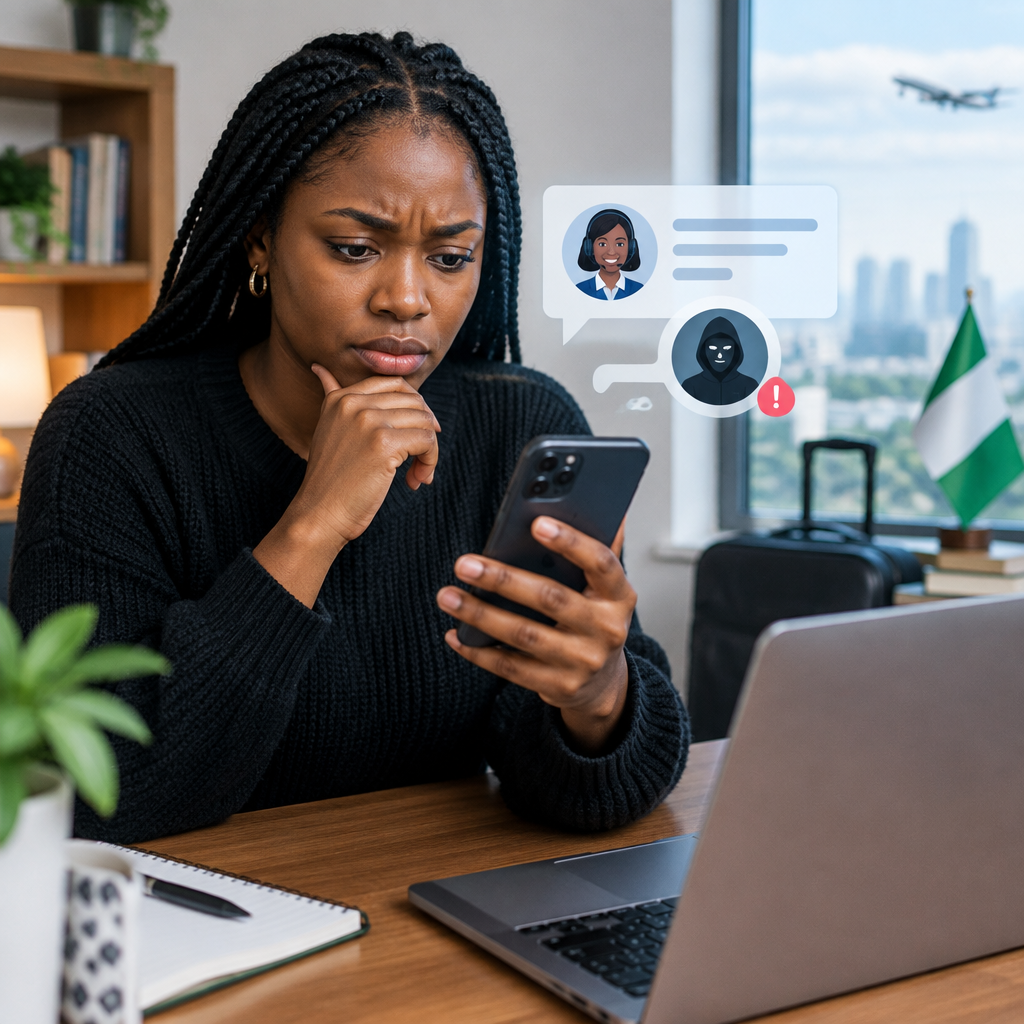
When an online payment fails, an account is locked or an order does not arrive, social media can seem like the fastest way to get help. Unfortunately, scammers watch these conversations closely. They may reply to your complaint, send you a direct message and pretend to be customer service.
Their goal is usually to steal your password, one-time password (OTP), card details, money or access to an account. This can affect anyone, including Nigerians using banking apps, mobile networks, online shopping platforms, cryptocurrency services and social-media accounts.
Advertisement
The safest rule is simple: do not trust an account because it has replied to you. Verify the account independently before continuing the conversation.
Table of Contents
Why fake support accounts are convincing
Impersonators copy the name, logo, profile picture and writing style of a real company. Some use usernames that differ from the genuine account by only one character, an extra full stop or an underscore. Others create accounts that look established by copying old posts and using similar branding.
Scammers also search for public complaints. If you write, “My bank transfer is pending,” or mention that you cannot access an app, an impersonator may respond before the real support team does. They may already know the company you use and the problem you described.
This is why publicly sharing sensitive information while asking for help can increase your risk. Keep complaints general and never publish your phone number, account number, email password, card number or transaction verification details.
Warning signs of a fake customer-service account
1. The username is slightly different
Do not rely on the display name alone. Open the profile and examine the exact username or handle. Compare it with the company’s website, official app or verified contact page.
Watch for:
- Extra numbers, letters, full stops or underscores
- Misspellings and unusual abbreviations
- Words such as “help,” “support,” “desk” or “agent” added to a personal-looking account
- A username that does not match the company’s official accounts on other platforms
A genuine badge can be helpful, but it should not be your only test. Platform verification systems and account names can change, and scammers may still use convincing branding.
2. The account contacts you first after a public complaint
Be especially cautious when an unfamiliar account sends you a private message immediately after you post about a problem. The message may say that the person is an “assigned agent” or that your case has been escalated.
Real support processes vary, but urgency and unsolicited private messages are common features of impersonation scams. Instead of continuing through that message, close it and start from the company’s official website or app.
3. It asks for an OTP, PIN or password
This is one of the clearest danger signs. Do not share your:
- Banking or mobile-money PIN
- OTP or verification code
- ATM or debit-card PIN
- Full card details or card security code
- Email, social-media or app password
- Cryptocurrency recovery phrase or private key
A person who has access to a verification code may be able to approve a login, reset an account or authorise a transaction. Customer-service staff should not need your private security credentials to investigate a complaint.
4. It sends a suspicious link or asks you to install an app
Impersonators may send links to fake login pages that copy the appearance of a bank, shopping platform or social network. They may also ask you to install a remote-access application so they can “fix” your phone or account.
Do not click links sent by an unverified account. Do not install software at someone else’s request, especially if it gives another person control of your device. Type the organisation’s known web address yourself, use its official app or find its contact details through an independently verified channel.
5. It demands a fee to release funds or fix the account
Scammers often invent charges such as verification fees, account-unlocking fees, clearance payments or refund-processing fees. They may ask you to send money to a personal bank account, wallet or mobile-money number.
Before paying anything, check the company’s official payment instructions. Be careful if the payment recipient is an individual rather than the organisation, or if you are told that payment must be made immediately to avoid account closure.
6. The message creates panic
“Your account will be deleted in 10 minutes” and “send the code now or your refund will fail” are pressure tactics. Scammers want you to act before you have time to verify the request.
Stop, take a screenshot and check through an official channel. A genuine problem is not made safer by rushing.
A safer way to contact customer service
- Stop replying to the suspicious account. Do not argue with the person or reveal more information.
- Find the official contact route. Check the organisation’s own website, official app, account statement, receipt or trusted help centre.
- Compare the social-media profile. Check the exact handle, links, account history and whether the organisation lists that account on its official website.
- Start a new conversation. Contact the verified account or official support channel instead of clicking a link in the suspicious message.
- Ask what information is genuinely required. Provide only non-sensitive details needed to locate the issue, such as a reference number with private portions hidden.
- Keep records. Save screenshots, usernames, links, phone numbers, payment details and timestamps if fraud has occurred.
How to check a link before opening it
Look at the full web address, not just the logo or page design. A fake website may use a familiar brand name combined with unrelated words, extra hyphens or a different domain ending. A padlock symbol only indicates that the connection is encrypted; it does not prove that the website belongs to the company.
When in doubt, do not use the link. Open your browser separately and enter the organisation’s known address, or use the official mobile application downloaded from a trusted app store. Avoid searching for support through random adverts, since paid search results and copied websites can also mislead users.
What to do if you have already shared information
Act quickly, but use official channels.
- Contact your bank or payment provider using the number on its official website, app or card. Ask what protective action is available.
- Change the affected password from a trusted device. Do not reuse the same password on other accounts.
- Sign out of unfamiliar sessions and remove unknown devices from the account’s security settings.
- Block and report the impersonator on the social platform.
- If money was sent, preserve the transaction evidence and report it to the relevant payment provider and appropriate authorities.
- If you shared an OTP, PIN or recovery phrase, treat the account as at immediate risk and prioritise securing it.
Never send more money to a person who promises to recover funds for an upfront fee. Recovery scammers often target victims a second time.
A quick decision test
Before responding to a social-media “support agent”, ask five questions:
- Did I find this account independently?
- Does the exact username match the organisation’s official listing?
- Is the person asking for a password, PIN, OTP, recovery phrase or full card details?
- Am I being pushed to click a link, install software or send money urgently?
- Can I verify the request through the official app or website?
If the answer to either of the middle questions is yes, stop the conversation. If you cannot independently verify the account, treat it as fake.
Final takeaway
Real customer support can help you solve problems, but a social-media reply is not proof of identity. Verify the exact account, avoid unsolicited links, never disclose security credentials and refuse urgent requests for money. These habits are particularly important when managing online banking, shopping, creator or other digital-service accounts from a phone.
When something goes wrong online, slowing down is a security measure. Use a trusted official channel, share the minimum information necessary and let the organisation—not a stranger in your messages—confirm the next step.
Advertisement