

Advertisement
Advertisement
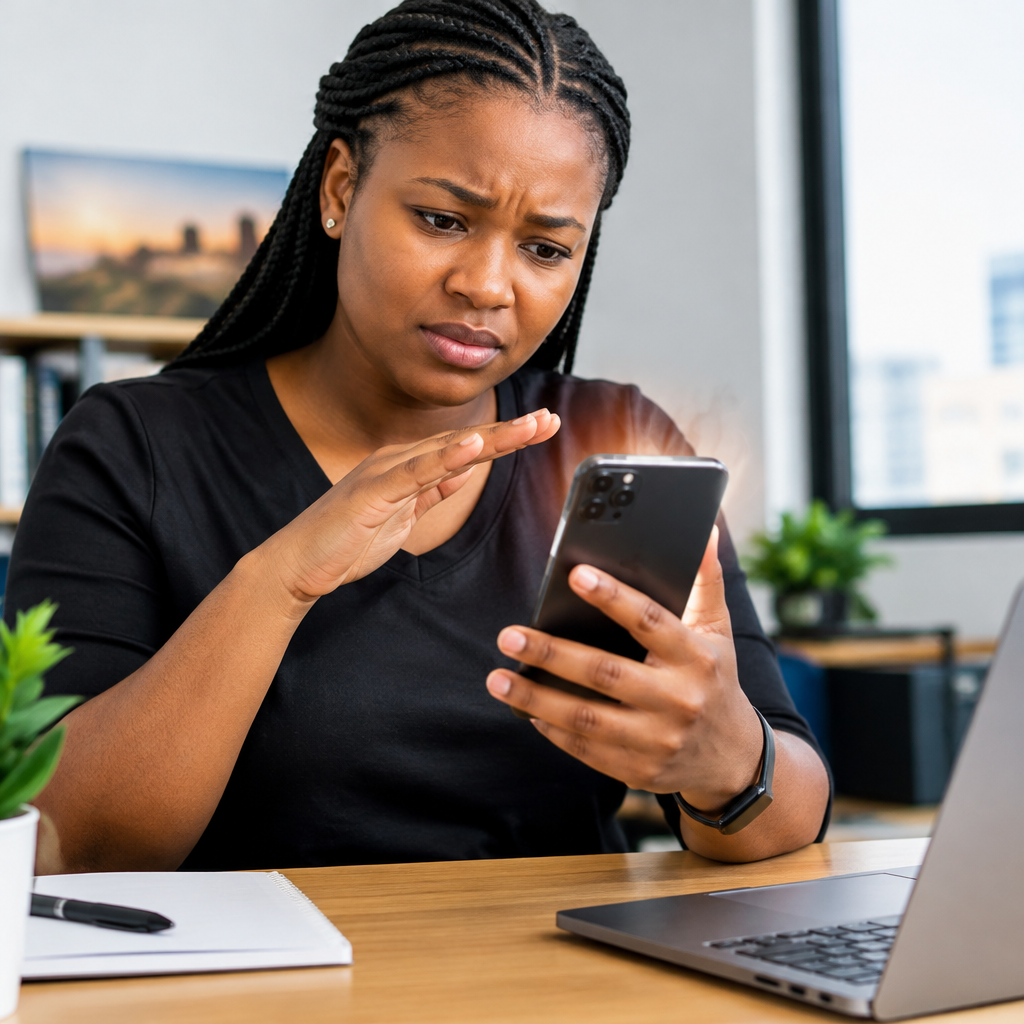
A phone that becomes warm during charging or heavy use is not always faulty. However, a device that becomes unusually hot, shuts down repeatedly, smells strange, swells or is painful to hold needs attention.
Before visiting a repair shop, you can perform a few safe checks. The aim is to reduce the heat, identify the likely cause and protect your data and battery. Do not open the phone or attempt risky battery repairs at home.
Advertisement
Table of Contents
First, stop using the phone if it is dangerously hot
If the phone is too hot to hold comfortably, remove it from the charger and switch it off. Place it on a hard, non-flammable surface in a cool, shaded and well-ventilated area. Keep it away from direct sunlight, beds, sofas, paper and other materials that can trap heat.
Do not put the phone in a refrigerator or freezer. Sudden temperature changes can create condensation inside the device and cause additional damage. Do not pour water on it, even if the phone is advertised as water-resistant.
Look for warning signs that require professional attention:
- A battery or back cover that is swelling, lifting or separating.
- A burning, chemical or unusual electrical smell.
- Smoke, hissing, sparks or visible damage around the battery or charging port.
- Extreme heat while the phone is idle or switched off.
- Repeated shutdowns, unexpected restarts or a phone that will not cool down.
If any of these signs appear, stop charging and using the device. Do not press down on a swollen back cover. Take it to a qualified repair technician, or contact the manufacturer or seller if warranty support is available.
Check whether the heat has an obvious cause
Phones commonly become warm during activities that require a lot of processing or network activity. Examples include mobile gaming, video calls, recording video, navigation, hotspot use, streaming and downloading large files. Poor network coverage can also make a phone work harder as it searches for a stronger signal.
For many people in Nigeria, heat can be worse when using a phone outdoors, inside a hot vehicle or while charging during a power outage. A hot room, direct sunlight and a thick protective case can prevent normal heat from escaping.
Ask yourself what happened immediately before the phone became hot:
- Was it charging, especially with fast charging?
- Was a game, camera, video call or hotspot running?
- Was mobile data active in an area with weak signal?
- Had you recently installed an application or system update?
- Was the phone covered by clothing, bedding or a tight case?
This short observation can help you explain the problem clearly if you eventually visit a repair shop.
Remove the case and allow the phone to cool
Switch off the phone if the temperature is still rising, then remove its case if you can do so safely. Leave it unused until it returns to a normal temperature. Do not continue using demanding applications simply to test whether the problem has disappeared.
Once the phone has cooled, restart it and use it lightly for a short period. If it remains cool during ordinary tasks but heats up during gaming or video recording, the workload may be the main cause. If it heats up while idle, continue with the checks below.
Check the charger, cable and power source
A damaged cable, loose connection, unsuitable charger or unstable power source can contribute to overheating. Inspect the cable for exposed wires, melted areas, bent connectors or signs of burning. Check the charging port for visible dust or damage, but do not push metal objects into it.
Use a charger and cable that are compatible with the phone and in good condition. If possible, test with another trusted charging combination. Avoid very cheap or counterfeit accessories, particularly when their specifications and manufacturer are unclear.
Do not charge the phone under a pillow, inside a bag or on a soft surface. Keep the charger and phone where air can circulate. If overheating happens only while charging, stop using the suspected charger until it has been checked or replaced.
Review battery and application activity
Android phones and iPhones provide battery settings that show which applications have used the most power. The names and menu locations may differ by device, but look for a Battery or Battery Usage section in Settings.
A single application using significant battery power is not automatically dangerous. Video, social media, navigation and gaming applications can consume a lot of energy during normal use. However, an application that keeps running heavily when you are not using it may be malfunctioning.
Try these low-risk steps:
- Close or force-stop an application that is frozen or behaving abnormally, using the phone’s normal settings.
- Restart the phone.
- Update the application through the official app store if an update is available.
- Uninstall an application you installed shortly before the overheating began, especially if the problem stops after removal.
- Remove applications downloaded from unofficial websites or unknown sources.
Be careful with “phone cooler”, battery booster and cleaning applications. Some display advertisements, run continuously in the background or request unnecessary permissions. A phone does not need a suspicious application to cool down safely.
Install system updates and check storage
Operating system updates can fix software problems, improve compatibility and address battery-related bugs. Before updating, connect to a trusted Wi-Fi network where practical, ensure the battery has enough charge and back up important information.
Very low storage can also make a phone slow or unstable. Delete unnecessary downloads, duplicate videos and unused applications, but do not erase important documents without checking what they contain. Avoid downloading unofficial firmware or “repair” software from random websites.
Test the phone in a simpler condition
After cooling the phone and reviewing applications, test it under ordinary conditions. Turn off features you do not need temporarily, such as hotspot, Bluetooth or location services, and reduce screen brightness. If mobile signal is weak, compare the phone’s behaviour on a stronger network or with Wi-Fi.
You can also use Airplane Mode briefly. If the phone cools down while Airplane Mode is active but heats up again when mobile connections return, network activity or poor coverage may be contributing. This does not prove that the network or SIM card is faulty, but it provides useful information for troubleshooting.
When the battery may be the problem
Phone batteries naturally lose capacity over time. A worn battery may drain quickly, shut down unexpectedly or become hot during normal use. A battery that has been damaged by impact, water, excessive heat or poor-quality charging accessories may become unsafe.
Do not puncture, squeeze, bend or remove a built-in battery yourself. Do not keep using a phone with a visibly swollen battery. A technician should inspect and replace it using a suitable part and safe procedure.
If the phone is still working and not dangerously hot, back up important photos, contacts and documents before taking it for repair. Use a secure account backup or transfer files to another trusted device. Never give a repair worker your PIN, password, banking details, one-time password or authentication code. If unlocking the phone is necessary for testing, ask what access is required and change your passcode afterwards.
What to tell the repair technician
A clear description can make diagnosis easier. Record:
- When the overheating started.
- Whether it happens during charging, calls, gaming or idle use.
- The charger and cable being used.
- Any recent drop, water exposure, update or application installation.
- Whether the battery drains quickly or the phone shuts down.
- Any smell, swelling, smoke or visible damage.
Choose a repair provider that explains the fault and proposed solution before replacing parts. Ask for the estimated cost, warranty on the repair and the original condition of your phone. Be cautious if someone immediately recommends opening the phone without first checking the charger, software and battery symptoms.
The practical takeaway
For mild warmth, stop demanding tasks, remove the case, improve ventilation and check the charger and battery usage. For severe heat, swelling, unusual smells, smoke or idle overheating, stop using the phone and seek professional help. Safe troubleshooting is useful, but a damaged lithium-ion battery is not a do-it-yourself project.
These steps can help you avoid unnecessary repairs while giving a technician better information. Most importantly, protect your files and private accounts before handing over any device for inspection.
Advertisement