

Advertisement
Advertisement
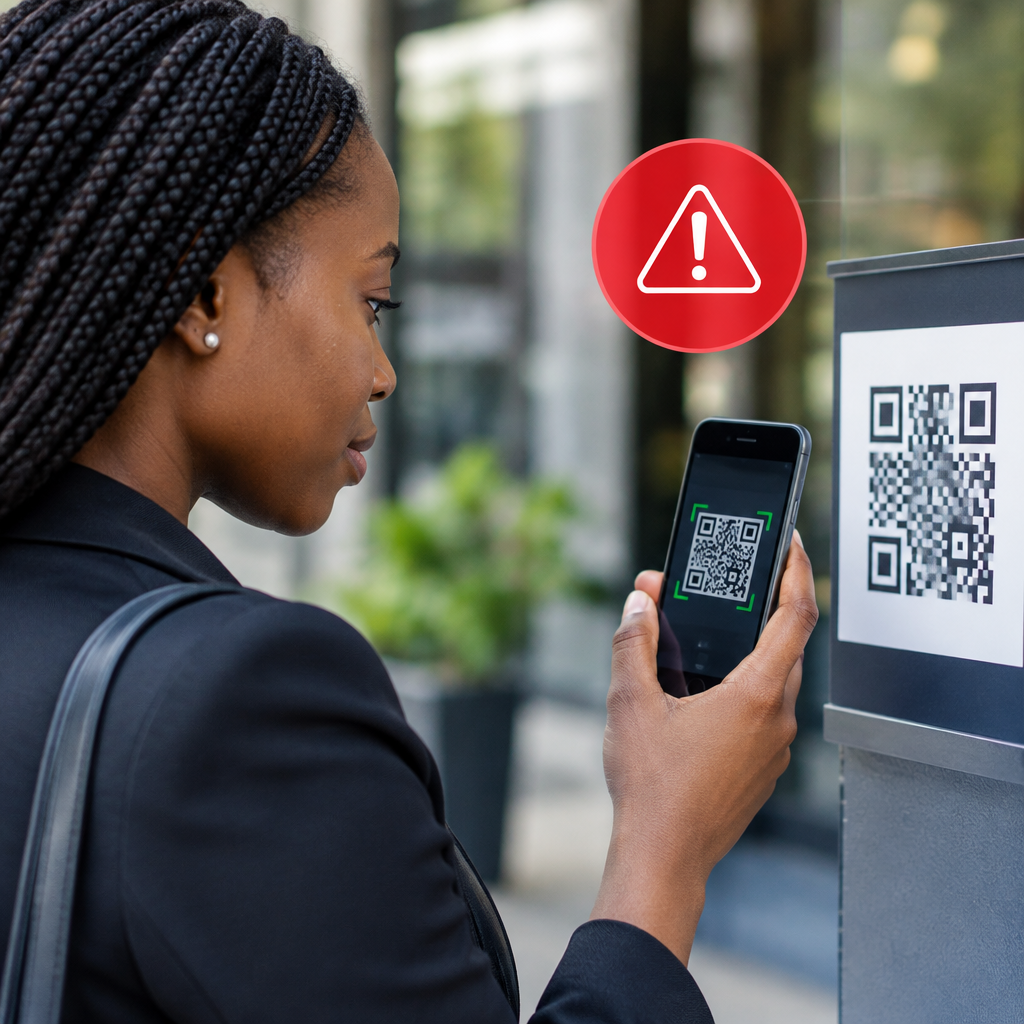
QR codes make it easy to open a website, pay for a service, download an app or view a menu. The problem is that a QR code can hide a dangerous link. You may not know where it leads until your phone opens the page.
Scammers can place fake QR codes on posters, social media posts, emails, delivery packages, payment notices and even genuine-looking websites. The code may lead to a fake login page, a fraudulent payment page, a harmful download or a form designed to collect your personal information.
Advertisement
Before scanning any QR code, pause and check where it came from, what it is supposed to do and whether the destination matches the organisation behind it.
Table of Contents
How QR code scams work
A QR code is not automatically safe or dangerous. It is simply a way to store information, often a web address. Anyone can create one and print it on a sticker, flyer or message.
In a common scam, a criminal replaces a genuine QR code with another code. For example, a fake sticker may be placed over a payment code at a shop or event. The replacement code can send you to a website controlled by the scammer.
Other scams use urgent messages such as:
- “Scan now to prevent your account from being blocked.”
- “Scan to confirm your delivery.”
- “Scan to claim your prize or refund.”
- “Scan to complete your bank or wallet verification.”
The QR code itself may not steal anything. The danger usually comes from what happens after scanning: entering a password, approving a payment, downloading an application or sharing an OTP.
What to check before scanning
1. Consider the source
Ask where the code came from. Did you receive it from an official organisation through a verified channel, or did it arrive unexpectedly in a random message?
Be especially careful with QR codes shared by unfamiliar social media accounts, forwarded WhatsApp messages, unsolicited emails and online adverts. A professional design or official-looking logo does not prove that the code is genuine.
If the code is connected to a bank, payment service, school, employer, embassy, delivery company or government service, open the organisation’s official website or app yourself. Look for instructions there instead of relying on the unexpected message.
2. Check for physical tampering
When you see a QR code on a poster, counter, machine or noticeboard, look closely. Is there a sticker covering the original code? Does the printed code look out of place? Is the surrounding text damaged, altered or inconsistent with the rest of the notice?
If you are paying for something, confirm the recipient’s name and amount on the payment screen before approving anything. Do not assume that a code displayed at a business location must belong to that business.
3. Preview the link
Most phone camera and QR-scanning apps show a web address before opening it. Read the address carefully. Look for misspellings, strange extra words, random characters and unfamiliar domain names.
A scammer may create a website that resembles a legitimate service but uses a slightly different address. For example, a fake domain may add a word, change a letter or use an unusual ending. The padlock or “https” symbol is useful for protecting a connection, but it does not prove that the website itself is genuine.
If the preview does not show a link, or the destination is difficult to understand, do not continue until you can verify it through another trusted source.
4. Match the destination to the purpose
A QR code on a restaurant menu should not unexpectedly open a banking login page. A code for a competition should not require your internet banking password. A delivery confirmation should not ask for your cryptocurrency recovery phrase.
Think about whether the destination makes sense. If the request feels unrelated to the original reason for scanning, close it.
5. Watch for pressure
Urgency is a major warning sign. Scammers want you to act before you have time to check the link or ask questions.
Be cautious when a message says you must scan immediately to avoid losing access, receiving a penalty or missing a reward. Legitimate organisations may have deadlines, but they should not require you to ignore normal security checks.
Never share sensitive information after an unexpected scan
A QR code should not change the basic rules of online safety. Do not enter or disclose:
- Your banking PIN, card PIN or full card details
- One-time passwords or verification codes
- Email, banking or social media passwords
- BVN or NIN details unless you have independently confirmed the official service and reason for the request
- Cryptocurrency recovery phrases or private keys
- Remote-access codes that allow another person to control your device
Financial-service and identity-related requests deserve extra caution. If a page asks for an OTP while someone is also calling or messaging you, stop. Contact the provider through the official number or app, not through contact details supplied by the QR message.
Common QR code scam situations
Fake payment codes
A fraudster may replace a merchant’s payment code or send a code that directs payment to a personal account. Before confirming, check the recipient details and ask the merchant to verify the name. Never approve a transaction simply because the QR code appeared on a familiar page.
Fake account verification
A message may claim that your email, social media, bank or cryptocurrency account needs urgent verification. The QR code opens a counterfeit login page that records your username and password. Go directly to the official app or type the known website address yourself.
Fake job, scholarship or travel opportunities
Jobseekers, students and travellers may be targeted with attractive offers that lead to forms requesting personal information or an application fee. A QR code does not make an opportunity official. Confirm the provider, application route, eligibility and payment instructions through its genuine website before submitting anything.
This is particularly important when looking for scholarships, recruitment opportunities or visa information. Use official institutions and government sources rather than relying on a forwarded poster or social media advert.
Malicious app downloads
A QR code may direct you to an application download outside the normal app store. Installing software from an unknown source can expose your device or accounts to malware. Unless you have independently verified the provider, do not install the app.
If you scanned a suspicious QR code
Scanning alone does not always mean your information has been stolen. Your next action depends on what happened afterwards.
- Close the page. Do not click further links, download files or fill in forms.
- Do not approve a payment. If a payment screen appeared, cancel it and check your account through the official app.
- Change exposed passwords. If you entered a password, change it immediately from the genuine website or app. Do not reuse the same password elsewhere.
- Secure your account. Sign out of unfamiliar sessions, enable available security controls and review recent activity.
- Contact the relevant provider. Use an official contact channel if banking, payment, email or social media details were exposed.
- Monitor your accounts. Look for unusual transactions, login alerts, new devices or password-reset messages.
If you installed an unfamiliar application, disconnect it from sensitive accounts where possible, uninstall it if safe to do so and seek trusted technical help. If money has been transferred, contact your bank or payment provider promptly and keep screenshots, transaction references and messages as evidence.
A simple decision rule
Before scanning, ask three questions:
- Do I know who created this code?
- Do I know exactly what it should open or do?
- Can I verify the destination independently?
If the answer to any question is no, do not scan it. Find the service through its official app or by typing a trusted website address yourself.
QR codes are useful shortcuts, but convenience should not replace verification. For Nigerians using online banking, shopping platforms, educational services, travel websites and everyday mobile applications, the safest habit is simple: preview the destination, check the details and never surrender sensitive information because a message creates urgency.
Advertisement