

Advertisement

Advertisement
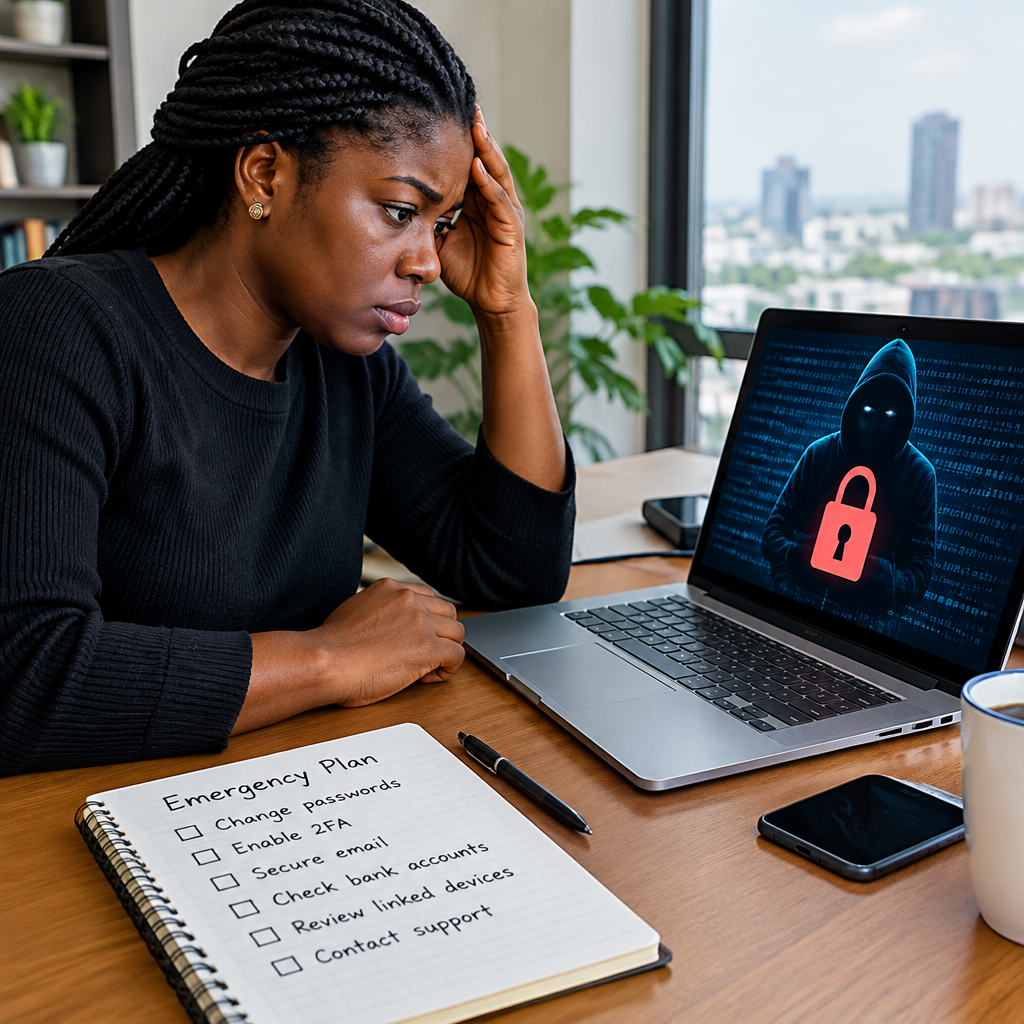
When an online account is hacked, panic can make the situation worse. You may be tempted to keep trying passwords, reply to the attacker or click a recovery link sent by an unknown person. A better approach is to follow an emergency plan that limits damage, protects your money and helps you recover the account safely.
This plan works for email, social media, messaging apps, online shopping accounts, cloud storage, work platforms and other commonly used services. It is especially important if you use one email address for banking, job applications, scholarships, business communication or other important activities.
Advertisement
Table of Contents
First, identify what may have happened
An account may be compromised if you notice an unfamiliar password change, a new device or location in the login history, messages you did not send, missing files, changed recovery details or transactions you do not recognise. You may also receive alerts that someone is trying to access the account.
Do not assume every alert is genuine. Attackers sometimes send fake warnings designed to make you click a fraudulent login page. Check the account through its official app or by typing the known website address yourself. Avoid links in unexpected emails, text messages and direct messages.
The emergency response: what to do first
1. Secure the email account connected to the service
Your email account is often the master key to other accounts because it receives password-reset links and security notifications. If you still control it, change its password immediately using the official app or website.
Use a new password that you have never used anywhere else. A long passphrase made from several unrelated words can be easier to remember and stronger than a short, complicated password. Do not use your name, date of birth, phone number, football club or a familiar Nigerian location.
Review the email account’s recovery phone number, backup email, forwarding rules, filters and logged-in devices. An attacker may create a forwarding rule so that future security messages reach them instead of you. Remove anything you do not recognise.
2. Change the hacked account’s password
If you can still sign in, change the password from the account’s security settings. Sign out of other sessions or devices if that option is available. This can remove an attacker who is already logged in.
If you cannot sign in, use the provider’s official account-recovery process. Search for the service’s help or account-recovery page through its official website rather than relying on a link sent by a stranger. Be prepared to provide information that proves ownership, but never send your password, PIN, one-time password or recovery phrase to a person claiming to be support.
3. Turn on two-step verification
Two-step verification adds another security check after your password. Depending on the service, this may use an authenticator app, security key, text message or another method.
An authenticator app or security key is generally preferable to relying only on text messages, but use the strongest option that is practical for you. Save backup codes in a secure place that is not publicly visible. Do not store them as an unprotected screenshot in a phone gallery that other people can access.
4. Protect your money immediately
If the hacked account is connected to a bank account, card, digital wallet, cryptocurrency platform or payment service, contact the financial provider through its official channel. Explain that the account or device may be compromised and ask what protective action is available.
Check recent transactions and alerts. Report unauthorised activity promptly. If you suspect that your phone number or SIM has been taken over, contact your mobile network operator and ask about securing the line. Use the provider’s verified customer-care route, not a random number posted in a comment or sent in a direct message.
Never share your banking PIN, card details, password, OTP or cryptocurrency recovery phrase while trying to recover an account. Genuine support staff should not need your secret authentication information.
Work through your connected accounts
After securing the most important account, make a list of services connected to it. Start with:
- Primary and backup email accounts
- Banking, payment and shopping accounts
- Social media and messaging apps
- Cloud storage and documents
- Work, school, job and scholarship application accounts
- Web hosting, domain and creator platforms
Change reused passwords on every account. If the same password was used for your email, shopping account and social media, assume all three are at risk. Check third-party apps and websites with access to the account, then remove access you no longer need or do not recognise.
For someone running an online shop, website or creator account, this step is particularly important. Review administrator roles, payment details, publishing access, domain settings and recovery contacts. A hacker may not change the main password immediately; they may add another administrator so they can return later.
Preserve evidence before deleting anything
Keep security emails, unusual login notifications, transaction records, suspicious messages and relevant screenshots. Write down approximate times, devices, phone numbers, usernames and actions you noticed. Do not edit screenshots in a way that removes important details.
Evidence can help the service investigate the takeover and may be useful when reporting financial loss, impersonation, blackmail or fraud. If the attacker is threatening you, do not pay simply because they demand money. Save the messages, block the account where appropriate and report the matter through the platform and relevant authorities.
Warn people who may be targeted
Hackers often use a compromised account to request money, promote fake investments or send dangerous links. Tell your contacts through another channel that recent messages from the account may not be genuine.
If your account represents a business, community, website or creator brand, publish a clear warning through a separate verified channel. Ask customers not to send money or personal information in response to recent messages until the account is restored.
Check the device you used
An account may be compromised because of a stolen password, a malicious application, a fake login page or an infected device. Update your phone, computer, browser and security software. Remove applications and browser extensions you do not recognise.
Run a security scan where your device supports one. If the device is shared, check whether someone else has access to your browser’s saved passwords. Avoid signing in to sensitive accounts on public or borrowed devices. If you believe the device itself is seriously compromised, use a different trusted device to change passwords and contact the relevant service.
Create a simple recovery record
Once the emergency has passed, keep a private record of your important accounts, recovery methods and security settings. A password manager can generate and store unique passwords, but protect it with a strong master password and two-step verification.
Review your account security every few months. Remove old phone numbers, unused recovery emails, unknown devices and unnecessary connected apps. Update recovery details when your phone number or email address changes.
A quick decision guide
| What you notice | Priority action |
|---|---|
| You can sign in, but see unusual activity | Change the password, sign out other sessions and enable two-step verification. |
| You cannot sign in | Use the provider’s official recovery process and secure the connected email first. |
| Money or payment details are involved | Contact the financial provider immediately and report unauthorised transactions. |
| Your phone number may be taken over | Contact your mobile network operator and secure important accounts from another trusted device. |
| Messages were sent to contacts | Warn contacts through another channel and preserve evidence. |
The most important rule
Account recovery should happen through official channels, not through people who contact you unexpectedly. Anyone asking for your password, PIN, OTP, card details or recovery phrase is putting your account at risk, regardless of the logo or job title they use.
Act in this order: secure your email, change passwords, remove unknown sessions, protect money, preserve evidence and warn affected contacts. A written plan makes it easier to respond calmly, whether the account is used for personal communication, online shopping, work, financial services or digital opportunities.
Advertisement
