

Advertisement

Advertisement
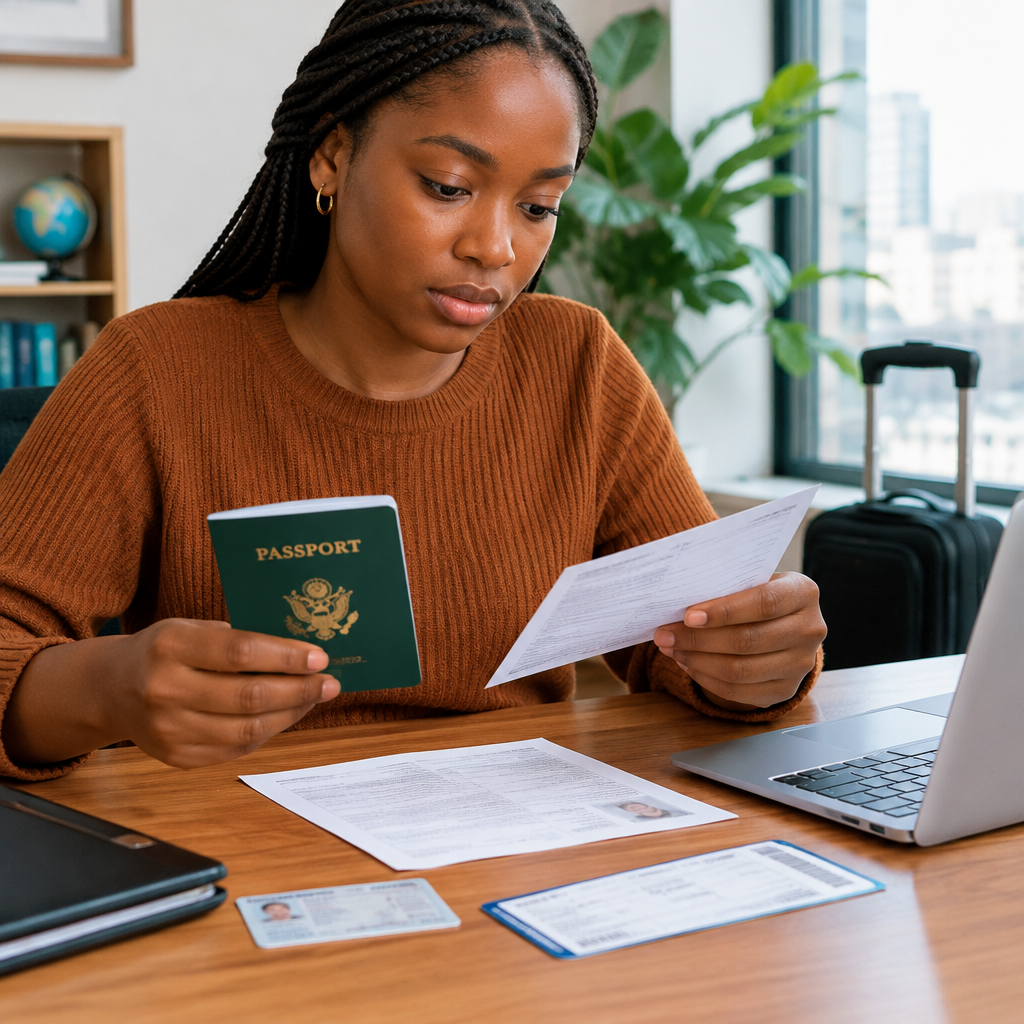
A small difference between your passport, visa application, flight booking, admission letter or other travel documents can create serious delays. A missing middle name, an incorrect date of birth or a passport that expires too soon may lead to extra questions, a rejected application or problems during check-in.
Before submitting any travel or immigration application, compare the important details across all your documents. This guide explains what to check, which document should normally be treated as the main reference and what to do when information does not match.
Advertisement
Table of Contents
Start with your passport
For international travel, your valid passport is usually the key identity document. Use the personal details exactly as they appear on the passport bio-data page unless the relevant airline, embassy, immigration authority, school or application system gives different written instructions.
Check the following fields carefully:
- Family name or surname
- Given name and other names
- Date of birth
- Sex or gender, where requested
- Nationality
- Passport number
- Date of issue
- Date of expiry
Do not rely on memory or on the way your name appears on social media, a work identity card or an informal document. Open the passport and copy the information carefully, including the order of names.
Compare names letter by letter
Names can appear differently because of spacing, order, initials, spelling or the use of a middle name. For example, a person may use “Chinedu Okafor” in daily life while the passport shows “Okafor Chinedu Emeka”. Those details may refer to the same person, but an application form may require the names to be entered into separate fields.
Check for:
- Misspelled letters
- Names left out
- Extra names added by mistake
- Incorrect order of surname and given names
- Hyphens, apostrophes or spaces
- Initials used instead of full names
- Accidental use of a parent’s or spouse’s name
When a form has separate boxes for surname, given name and middle name, follow the form’s instructions. If it asks for your full name as shown on the passport, reproduce the passport wording as accurately as possible.
Do not shorten your name simply because the airline booking system has limited space. If a system does not accept the format shown on your passport, contact the organisation responsible for the booking or application before paying or submitting. Keep a record of any guidance you receive.
Check your date of birth
Date-of-birth errors are common because different countries and systems use different date formats. A date written as 03/04/1998 could be interpreted as 3 April or 4 March, depending on the system.
Where possible, choose the month from a drop-down menu rather than typing the date. If you must type it, look for an example beside the field or an instruction such as DD/MM/YYYY or MM/DD/YYYY. Do not guess when the format is unclear.
Compare the date of birth on your:
- Passport
- Birth certificate or other civil document, where required
- National identity records, where relevant
- Visa or immigration forms
- Flight reservation
- School, employment or invitation documents
If one document contains the wrong date, do not quietly change other documents to match it. First identify which record is incorrect and ask the issuing authority or organisation how to correct it. A mismatch may require an explanation or supporting document, particularly in visa, study or immigration processes.
Review document issue and expiry dates
Names and dates of birth are not the only dates that matter. Check the date each document was issued and the date it expires. A passport may still be valid for your departure but have too little remaining validity for the destination’s entry rules, a visa application or a transit arrangement.
Review these dates before booking:
- Passport issue date
- Passport expiry date
- Visa validity start date
- Visa expiry date
- Permitted entry or travel window, if stated
- Residence permit or identity document expiry date
- Travel insurance dates, where applicable
- Admission, invitation or appointment dates
Do not assume that a visa’s expiry date tells you how long you may stay. A visa may indicate when you can seek entry, while the authorised stay may be determined separately at the border or by the immigration authority. Read the conditions attached to the visa and follow the official instructions for the country concerned.
Use a simple comparison table
A written comparison can reveal mistakes that are easy to miss on a phone screen. Create a private table like this before submitting an application:
| Detail | Passport | Application or booking | Match? |
|---|---|---|---|
| Full name | Copy exactly | Enter as required | Yes or no |
| Date of birth | Day, month and year | Check format | Yes or no |
| Nationality | As shown | Select correct option | Yes or no |
| Passport number | Check every character | Enter carefully | Yes or no |
| Passport expiry | Day, month and year | Compare with requirements | Yes or no |
When comparing passport numbers, distinguish letters from numbers. A zero and the letter O, or a one and the letter I, can be confused. Check the number against the passport rather than relying on a photograph or saved contact.
Check flight bookings separately
A flight ticket is not the same as a passport or visa. It is a booking record, and the name on it may need to match the passport closely enough for the airline to accept it. Review the passenger name immediately after booking, before the trip date is close.
Also confirm:
- Departure and arrival dates
- Airport names and locations
- Connection dates and times
- Passport number, if supplied during booking
- Nationality and date of birth, if shown
If you notice an error, contact the airline or booking provider through its official channel. Avoid paying an unknown person who promises to “unlock” a correction. Never send your passport image, payment details or one-time password to an unverified contact.
What to do when documents do not match
The correct action depends on the type of difference.
Minor typing mistake
If you made a mistake in an online form and the form can still be edited, correct it before submission. If it has already been submitted, use the official correction process. Do not create multiple applications merely to hide an error unless the responsible authority tells you to do so.
Airline booking error
Contact the airline or authorised booking provider promptly. Ask whether the record can be corrected and whether any fee or rebooking rule applies. Do not assume that a small spelling difference will be ignored at check-in.
Passport or civil-record error
Contact the relevant issuing authority. An affidavit, birth record, marriage document or other evidence may be relevant in some cases, but requirements differ. Use only instructions from the authority handling the correction.
Different names after marriage or another legal change
Keep documents showing the legal change and follow the application instructions. Some processes require the current passport name, while others may request previous names. Answer those questions accurately and consistently.
Protect your documents while checking them
Travel preparation often involves sharing personal information, so use caution. Upload documents only through the official website or a trusted, clearly authorised service. Check the website address before entering passport details. Do not publish passport pages in public groups or send them to unofficial agents without confirming who they are and why the document is needed.
Never share your passport details together with your email password, banking PIN, card PIN, one-time password or account recovery code. A legitimate travel or immigration process should not require you to surrender control of your personal accounts.
A final pre-submission review
Before paying, submitting an application or travelling, pause and read every document once more. Confirm that your names follow the passport, your date of birth uses the correct format, passport numbers are accurate and all relevant documents will remain valid for the planned journey.
For Nigerians preparing for study, work, tourism or family travel abroad, this simple review can prevent avoidable problems. The safest approach is consistency: use the correct source document, follow the exact instructions of the responsible authority and ask for clarification whenever a form or date format is unclear.
Advertisement
