

Advertisement

Advertisement
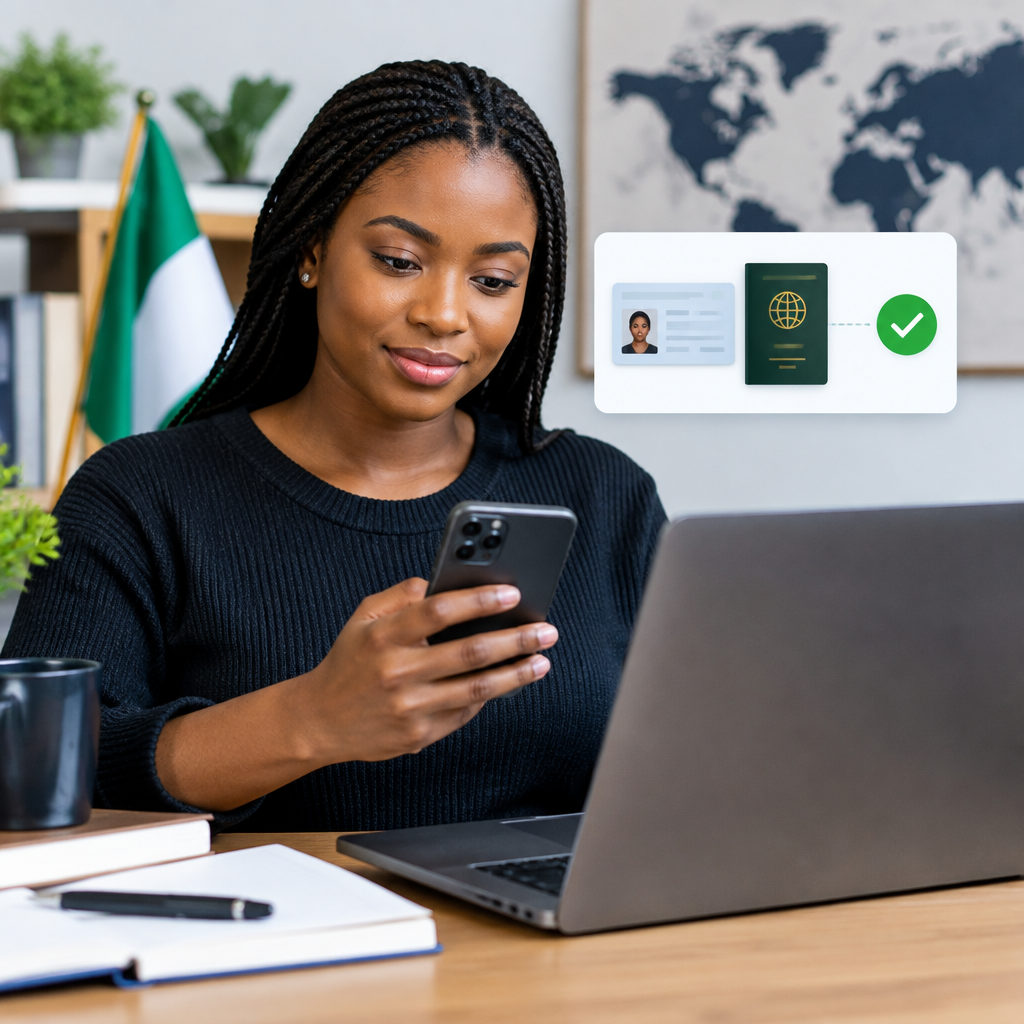
Identity verification is usually required before you can use important features on a cryptocurrency platform, such as buying crypto, selling assets, withdrawing funds or increasing account limits. The process is also known as Know Your Customer (KYC).
For Nigerians using a crypto service from a phone or computer, verification normally involves entering personal information, uploading an identity document and completing a facial check. The exact requirements differ between platforms and may change, so always follow the instructions inside the official app or website and check the provider’s help centre before submitting anything.
Advertisement
Table of Contents
What identity verification means
Identity verification is the process a platform uses to confirm that you are a real person and that the account belongs to you. It helps platforms meet anti-fraud and anti-money-laundering obligations, reduce account abuse and prevent people from opening accounts under false identities.
Verification does not mean your cryptocurrency investment is safe or profitable. It only confirms your identity for the platform. Crypto prices can change sharply, and verification cannot protect you from poor investment decisions, scams or unauthorised access to your account.
What you may need before starting
Prepare the following before opening the verification page:
- A valid email address or phone number: This should be one you control and can access during the process.
- Your legal name and date of birth: Enter them exactly as they appear on your identity document.
- A supported identity document: Depending on the platform and your location, this may include an international passport, national identity card, driver’s licence or another approved document.
- A smartphone camera: You may need to take photographs of your document and a live selfie or short video.
- Proof of address, if requested: Some platforms may ask for a recent bank statement, utility bill or other accepted document. Requirements differ, so do not upload an unrelated document simply because it contains your name.
- A stable internet connection: Interruptions can cause an upload or facial check to fail.
Do not assume that every Nigerian identity document is accepted by every platform. A Bank Verification Number (BVN), National Identification Number (NIN) or other local identifier may be relevant to some financial services, but it is not automatically a substitute for the identity documents listed by a cryptocurrency provider. Follow the platform’s own requirements.
Step-by-step: completing verification
1. Open the official platform
Use the provider’s official website or mobile application. Avoid links sent by strangers through WhatsApp, Telegram, social media or email, even if the page uses the platform’s logo.
Check the spelling of the website address carefully. Scammers often register addresses that look almost identical to genuine services. If you already have the official app installed, open it directly instead of using a promotional link.
2. Create and secure your account
Register with an email address or phone number that you control. Use a long, unique password that you have not used on another website.
Enable two-factor authentication as soon as it is available. An authenticator application is generally safer than relying only on text messages, although any available security option is better than leaving the account unprotected.
Never share your password, one-time password, authenticator code, recovery phrase or private key with someone claiming to be customer support. A genuine support representative should not need your private keys or recovery phrase to verify your identity.
3. Find the verification section
After signing in, look for a section labelled Verification, Identity Verification, KYC or something similar. It may appear under your profile, account settings or a prompt shown when you try to use a restricted feature.
Read the instructions before uploading a document. Check which document types, countries and file formats are supported. Do not continue if the page is asking for information that seems unrelated to identity verification, such as your wallet recovery phrase or full banking password.
4. Enter your personal details
Provide your name, date of birth, residential address and other requested details accurately. Use your legal name rather than a nickname or trading name.
Small differences can lead to a rejection. For example, a shortened first name, a missing middle name or a different date format may not match your document. If your details have legally changed, use the information and supporting documents requested by the provider rather than trying to make an old document appear current.
5. Photograph your identity document
Place the document on a flat surface in good lighting. Make sure:
- All corners of the document are visible.
- The text is sharp and readable.
- There is no glare, shadow or finger covering important information.
- The document is not expired or damaged.
- You upload both sides if the platform requests them.
Use the platform’s upload screen where possible. Avoid sending identity documents to an individual through an informal chat unless the provider’s official process specifically directs you to do so.
6. Complete the selfie or liveness check
A facial check may ask you to position your face inside a frame, turn your head, blink or follow another instruction. Remove items that obscure your face, such as dark glasses, hats or face coverings, unless the provider gives different instructions.
Use even lighting and keep the camera lens clean. Do not use a photograph, recorded video or another person’s face. The check is intended to confirm that a live person matches the submitted identity document.
7. Submit the application and monitor its status
Review the information carefully before submitting it. After submission, the status may show as pending, approved, rejected or requiring more information.
Processing time varies. Do not repeatedly submit different documents while an application is pending, as this can create confusion or trigger additional security checks. Use the official support channel if the platform asks for clarification.
Why verification may fail
Common reasons include an expired document, blurred photographs, inconsistent personal details, unsupported document types, poor lighting or a failed facial check. The platform may also reject a document if it cannot confirm its authenticity or if the country of issue is not supported.
If your application is rejected, read the reason shown in the app. Correct the specific problem and try again only through the official verification process. If you believe the decision is wrong, contact verified customer support and keep a record of your case reference. Do not pay an unofficial “agent” to unlock your account.
Important safety precautions
- Use only the official website or app.
- Check the platform’s privacy policy to understand how identity information is handled.
- Do not post your identity document publicly or send it to strangers.
- Do not share OTPs, passwords, recovery phrases or private keys.
- Ignore anyone promising guaranteed crypto profits or instant verification for a fee.
- Be cautious of fake support accounts on Telegram, WhatsApp, X and Facebook.
- Do not use a public or shared computer for verification unless necessary; log out and clear downloaded files afterwards.
A simple pre-submission check
Before pressing submit, confirm that your name matches your document, the document is valid and readable, the selfie shows your face clearly, and you are using the genuine platform. Also confirm that you understand what information you are providing and why it is being requested.
The safest approach is to treat identity verification as both an account requirement and a privacy decision. Complete it only through the provider’s official channel, submit accurate information, protect your login details and remember that verified access does not remove the financial risks of cryptocurrency.
Advertisement
