

Advertisement

Advertisement
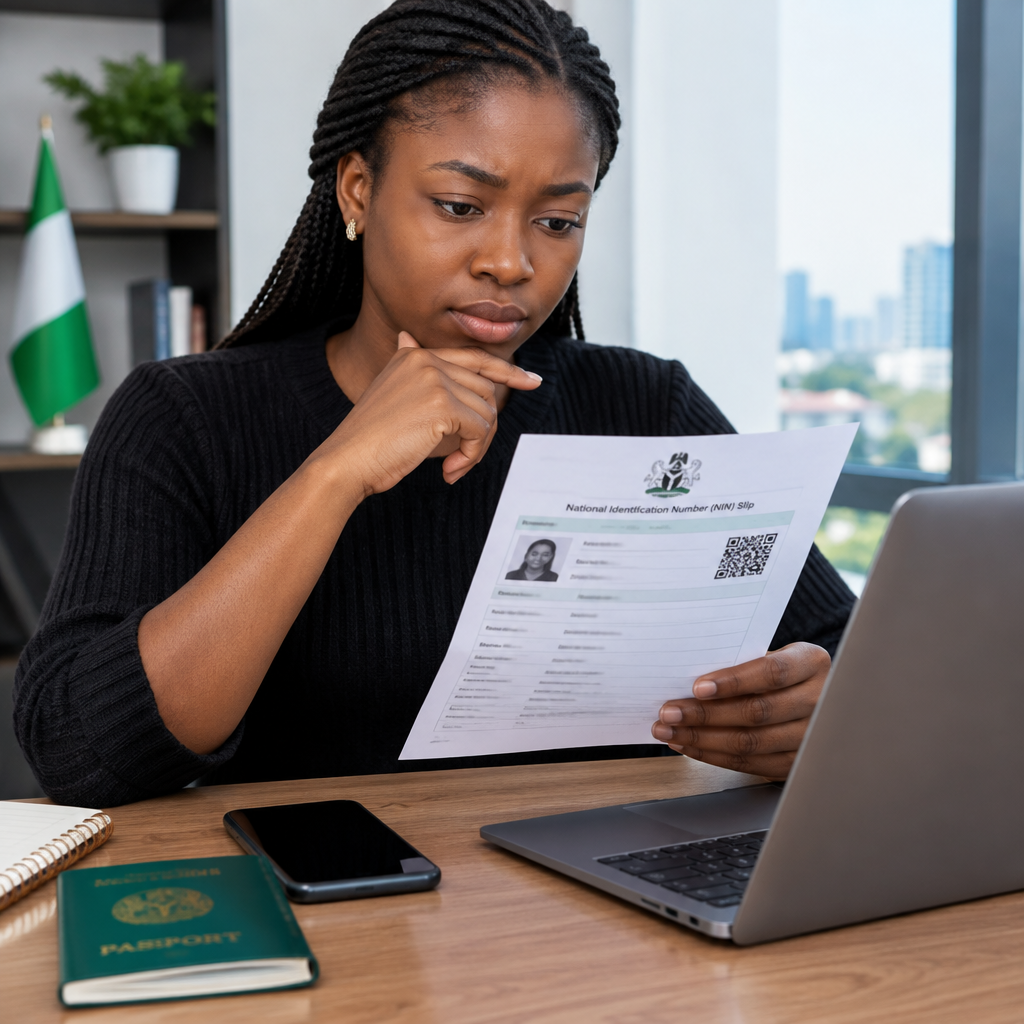
A mistake on your National Identification Number (NIN) slip can cause problems when you use your identity details for banking, travel documents, recruitment, school applications or other official services. Even a small difference in your name or date of birth may lead to failed verification or a request for additional documents.
Before submitting your NIN details anywhere, compare the information on your slip with your supporting documents and check that the number and personal details are readable. This guide explains what to review and the sensible steps to take when you find an error.
Advertisement
Table of Contents
What is a NIN slip?
A NIN slip is a document that displays your National Identification Number and selected personal information registered with the National Identity Management Commission (NIMC). People commonly use it as evidence of their NIN details when completing identity-related processes.
The appearance and information shown may depend on the type of slip issued or printed. However, the important principle is the same: the details should match your official identity records and the documents you use for other applications.
Details to check on your NIN slip
Review every field carefully rather than checking only the NIN itself. Pay particular attention to the following:
1. Your full name
Confirm the spelling, order and arrangement of your names. Look for:
- Misspelled first, middle or last names
- A missing name
- Names placed in the wrong fields
- Extra spaces, unusual characters or duplicated names
- A difference between the name on your slip and your other official documents
Do not assume that a minor spelling difference is harmless. Different organisations may compare your details electronically, and an inconsistency can require manual verification.
2. Date of birth
Check the day, month and year of birth. A date may be wrong because of an entry mistake, a misunderstanding of the date format or the use of information that does not match your birth certificate or other supporting document.
Date-of-birth corrections can be more sensitive than ordinary spelling corrections. Do not attempt to change the information casually or provide a false document. Ask NIMC or an authorised service point what evidence is required for your particular case.
3. Sex
Confirm that the sex recorded on the slip is correct. If it is inaccurate, treat it as a formal data correction and follow the official process rather than trying to edit the document yourself.
4. NIN number
Check that the NIN is complete and that all digits are clear. Compare it with the number shown on any other official NIN record you have. Avoid posting the full number publicly or sending a picture of your slip to an unknown person.
A smudged or partly hidden number can create problems during an application. If the slip is damaged, ask about obtaining an acceptable replacement or reprint through an official channel.
5. Photograph and personal information
Check that the photograph belongs to you and that the visible personal information is yours. If a slip contains information that clearly belongs to another person, stop using it and report the issue through an official NIMC channel.
6. Other identifying information
Depending on the record or document available to you, review other displayed information such as your address, telephone details or place of origin. Not every detail appears on every version of a NIN slip, so do not assume that an omitted field is automatically an error.
Why NIN slip errors matter
Identity information is often reused across different services. An error may affect an application for a job, scholarship, admission, bank service, passport or travel document. It may also create delays when an organisation checks your details against another database.
For Nigerians at home and abroad, consistency is especially useful when preparing several documents at once. For example, a person applying for a school opportunity or travel-related service may need to provide information that matches a passport, certificate, bank record and NIN record. The exact requirements vary, but inconsistent personal data can make the process more difficult.
What to do if you find an error
- Write down the exact error. Note what appears on the slip and what the correct information should be.
- Gather supporting documents. Use genuine documents that support the correction, such as an accepted identity or civil document where relevant.
- Use an official NIMC route. Ask NIMC or an authorised enrolment or service centre about the correction procedure, required documents and applicable charges.
- Follow the instructions given to you. Some corrections may require biometric confirmation, an application form or additional checks.
- Keep evidence of your request. Retain any receipt, reference number or acknowledgement connected with the correction.
- Review the updated record. When the correction is completed, check the new information before using the record for another application.
Requirements and service arrangements can change, so confirm the current process directly with NIMC before visiting a centre or paying for a service.
Do not edit the slip yourself
Changing a name, date of birth or NIN number with a photo-editing application does not correct your official record. It can make the document appear altered and may cause an organisation to reject it. Use the proper correction process instead.
Also be careful with people who promise instant changes, guaranteed approval or a way to bypass verification. Do not give an unknown agent your passwords, bank details, card PIN, one-time password or other sensitive account information. A legitimate correction process should not require you to disclose a banking password or OTP.
Before submitting your NIN details
- Compare your name letter by letter with the application form.
- Check your date of birth and the format requested by the organisation.
- Confirm that you are entering your own NIN, not another number from a message or saved contact.
- Upload only the document requested and use the organisation’s official website or application.
- Keep your NIN slip private and avoid sharing it in public groups or social media posts.
- Save a secure copy for your records, but do not leave it exposed on a shared phone or public computer.
When an organisation says your NIN details do not match
First, ask which field failed: name, date of birth, NIN number or another detail. A mismatch does not always mean that your NIN is invalid. It may be caused by a typing error on the application form, a different name format, an outdated record or a problem with the organisation’s verification system.
Correct the simplest possibility first by checking what you entered. If your entry matches the slip but the verification still fails, ask the organisation for its official next step and contact NIMC through an authorised channel if a record correction may be necessary. Avoid paying an unverified person who claims to have special access to the system.
A simple final review
Before using your NIN slip, ask yourself three questions: Is the NIN readable and correct? Do my name and date of birth match my supporting documents? Am I submitting it only through a trusted, official process?
Finding an error early is much easier than discovering it after an application deadline, account restriction or travel-document appointment. Check the slip carefully, protect the information it contains and use NIMC’s official correction route for any change that is needed.
Advertisement
