

Advertisement

Advertisement
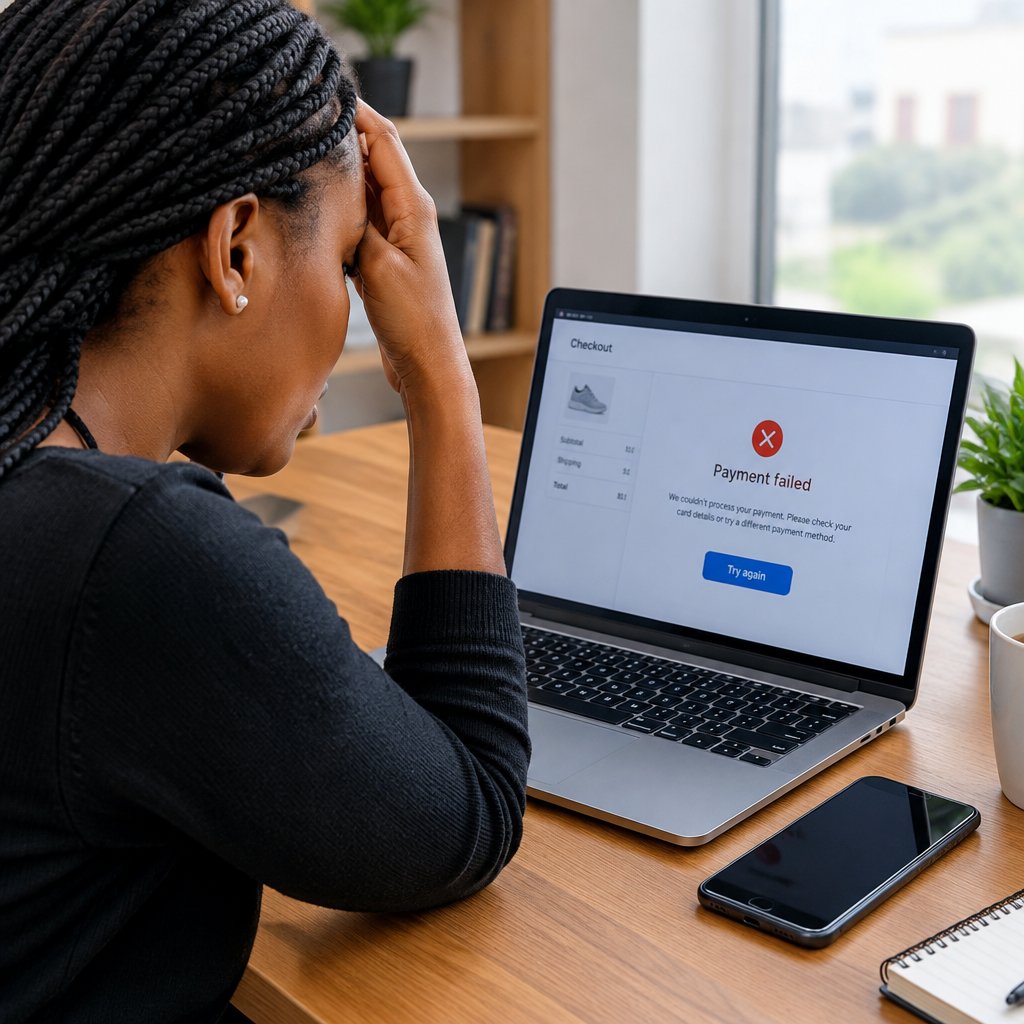
A checkout problem can stop an online purchase at the final step, even when the product is available and the shopping cart appears correct. The failure may come from a payment card, bank network, internet connection, delivery information, the store’s website or a temporary service outage.
For Nigerian shoppers, checkout issues may also involve bank transfer delays, card restrictions, OTP delivery, mobile-app problems or differences between local and international payment options. Sellers need to investigate the same process from the other side: payment confirmation, inventory, delivery charges and order notifications must all work together.
Advertisement
Table of Contents
First, identify where the checkout stopped
Before repeating the payment, note the exact stage where the problem occurred. This helps you avoid duplicate charges and gives the seller useful information.
- Cart stage: An item may have become unavailable, changed price or exceeded a purchase limit.
- Customer details: The form may reject a phone number, email address, postcode or delivery address.
- Delivery stage: The store may not deliver to the selected location, or a shipping fee may not have been calculated correctly.
- Payment stage: The card, bank transfer, wallet or other payment method may have been declined or interrupted.
- Confirmation stage: The payment may have succeeded, but the website failed to display the order confirmation.
Take a screenshot of the error message if it does not expose private information. Do not share your PIN, password, OTP, card security code or banking login with the seller or anyone claiming to provide support.
What customers should check
1. Check your internet connection and browser
A weak connection can interrupt a payment or prevent the final confirmation page from loading. Switch between Wi-Fi and mobile data if possible, then reopen the store’s website or app. Make sure you are using the official website or application rather than a link sent by an unknown person.
You can also try a current browser, private browsing mode or the store’s official mobile app. If the checkout works in one browser but not another, outdated cookies, cached files or browser settings may be responsible.
2. Confirm your details carefully
Check your name, email address, phone number and delivery address before submitting the order. A small error in a phone number can prevent delivery updates, while an incomplete address can cause the order to be rejected or delayed.
Use the correct country and state or region. If the store asks for a postcode, do not enter a random number simply to move past the form. Ask the seller what format it accepts if the field is unclear.
3. Check whether your payment method is suitable
A payment failure does not always mean you have insufficient funds. Your bank may block online or international transactions, the card may have expired, or the transaction may exceed a daily limit. Some cards may work for local purchases but not for foreign-currency payments.
For a bank transfer, confirm the account name and payment reference shown by the store. Avoid relying only on a screenshot as proof of payment. The seller should confirm the transaction through the appropriate account or payment provider.
If an OTP does not arrive, check your network signal and registered phone number. Do not keep requesting many OTPs quickly, because older codes may expire or the bank may temporarily restrict further attempts.
4. Do not immediately pay again
The most important safety rule is to check your bank or payment-app balance and transaction history before making another attempt. A website can display an error even though the payment has been authorised.
If money was deducted, save the transaction reference, amount and time. Contact the store first through its official support channel and ask whether it can locate the payment. If the seller cannot help, contact your bank or payment provider using the number or support option inside its official app or website.
5. Check the order confirmation
Search your email inbox and spam folder for an order message. Also check your account’s order history if the store provides one. A missing confirmation email does not automatically mean the order failed.
Give the seller enough information to investigate without sending sensitive credentials. Useful details may include your name, email address, order reference, payment reference, amount and approximate time. Never send a full card number, PIN, password or OTP.
What sellers should check
Payment records and order status
Sellers should distinguish between an unsuccessful payment, a pending payment, a successful payment and an order that was created but not confirmed to the customer. The payment provider’s dashboard may contain information that the store’s front end did not display.
Do not mark an order as paid solely because a customer has uploaded a screenshot. Match the transaction with the correct amount, reference and account. At the same time, avoid asking customers to repeat a payment before checking for a pending or completed transaction.
Inventory and pricing
A product can sell out while a customer is completing checkout. Prices, delivery fees and promotional codes can also change between the cart and payment pages. The store should show a clear message rather than silently removing an item or charging a different amount.
If stock is reserved during checkout, the reservation should expire properly when payment fails. Otherwise, unsuccessful attempts can make available products appear unavailable to other customers.
Delivery rules
Review whether the store supports delivery to the customer’s selected location. Delivery charges should be calculated before payment, with clear information about areas served and any collection options.
For customers in Nigeria and Nigerians shopping from abroad, sellers should make the delivery country and currency clear. Confusion about local delivery, international shipping, customs or collection fees can lead to abandoned orders and complaints.
Mobile experience
Many shoppers complete purchases on a phone. Sellers should test checkout on common mobile screen sizes, slower connections and both Android and iPhone devices where relevant. Buttons should be easy to tap, forms should not erase entered details, and error messages should explain what needs correction.
Payment pages should use secure connections and redirect customers only to trusted payment providers. Remove unnecessary form fields. Every extra step creates another opportunity for a customer to abandon the order.
A simple troubleshooting workflow
- Stop and record the error message, time and order details.
- Check whether money was deducted or the payment is still pending.
- Confirm the order history, email inbox and payment-provider notification.
- Try the official website or app again only after checking for a charge.
- Use a different permitted payment method if no charge occurred.
- Contact the store with non-sensitive transaction details.
- Escalate to the bank or payment provider if the seller cannot trace a deducted payment.
Warning signs of a dangerous checkout
Be cautious if a seller asks you to pay into a personal account without a clear reason, insists on an urgent payment, requests your OTP or PIN, sends an unfamiliar payment link or refuses to provide an order reference. A professional store should be able to explain its payment and delivery process.
Do not assume that a polished website is automatically legitimate. Check the store’s contact details, refund terms, business information and reputation before placing a high-value order. When an offer looks unusually attractive, take extra time to verify it.
The practical takeaway
Most checkout problems become easier to solve when customers and sellers separate the payment status from the website message. First confirm whether money moved, then check the order record, delivery details and payment provider. Customers should never repeat a charge blindly or share security codes, while sellers should provide clear error messages and verify every payment before fulfilling an order.
Advertisement
