

Advertisement

Advertisement
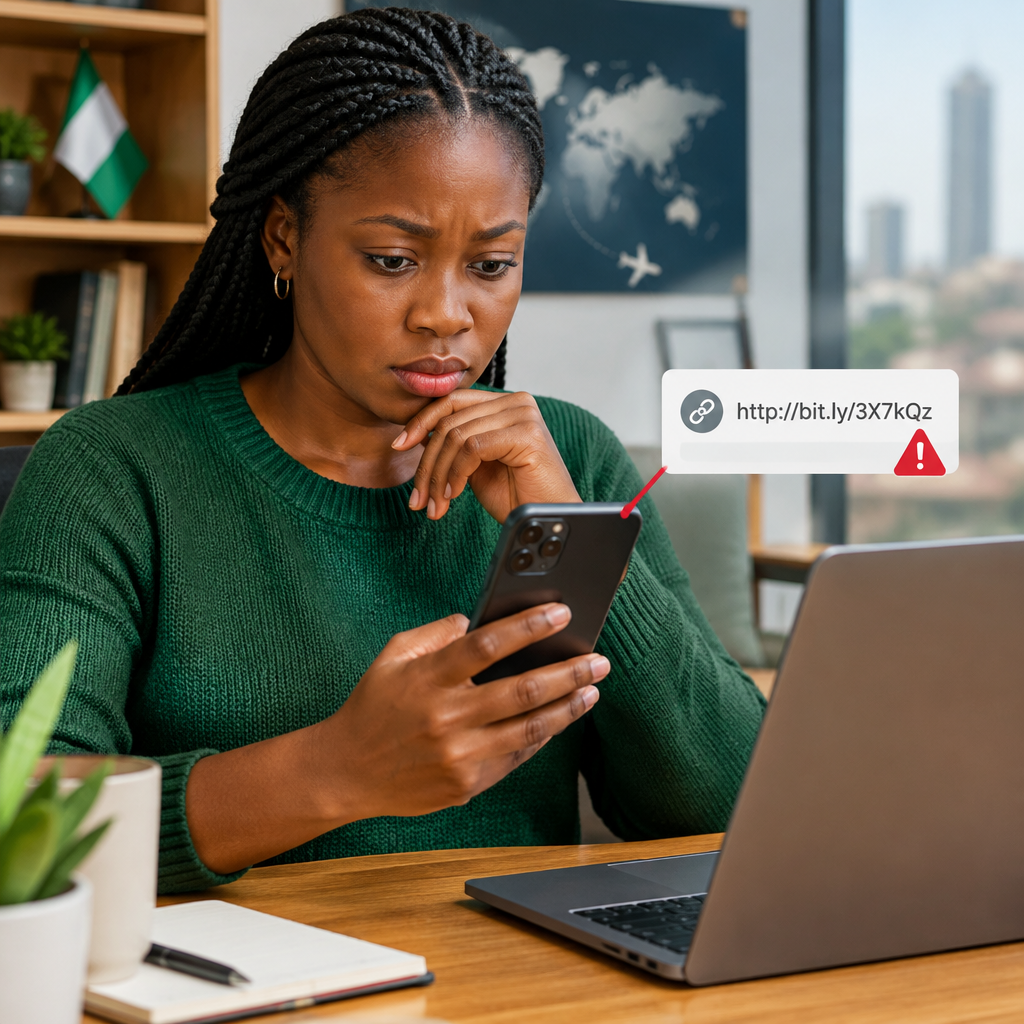
A message can look as if it came from your bank, a delivery company, a school, a recruiter, a government service or someone you know. It may ask you to click a link to confirm your account, receive money, claim a prize, complete a job application or avoid a supposed penalty.
Do not click immediately. First inspect the link, verify the sender through an independent channel and ask what information the page is requesting. A link can lead to a fake login page designed to steal your password, card details, bank information, one-time password (OTP) or social media account.
Advertisement
This guide explains how beginners can check links on phones and computers, including links received through WhatsApp, SMS, email, Facebook, Instagram and other platforms commonly used in Nigeria.
Table of Contents
What phishing means
Phishing is an attempt to deceive you into revealing sensitive information or installing harmful software. The message often creates urgency: “Your account will be blocked today”, “Your parcel is waiting”, “You have won”, or “Pay now to receive your funds”.
Some scams imitate well-known organisations. Others use familiar names, copied logos and professional-looking pages. A message can even come from a friend’s account if that account has been taken over.
Remember: a familiar name, profile photo or logo does not prove that a message is genuine.
Inspect the link before opening it
On a computer
Move your mouse pointer over the link without clicking. Most browsers show the actual destination near the bottom of the window. Read the address carefully rather than relying on the visible words in the message.
On an Android phone or iPhone
Press and hold the link. A preview or menu may show the web address. Do not tap the link normally just to discover where it leads. Be careful with previews, because opening a preview can sometimes connect to the website.
The exact steps vary between applications, but the principle is the same: reveal the destination first and inspect it before opening it.
What to look for in a suspicious web address
1. The real domain name
Read the address from right to left, focusing on the main domain before the first single slash. For example, in account.example.com, the main domain is example.com. The word “account” is only a subdomain.
Scammers may create addresses such as example-login.com, example.verify-account.com or example.com.fake-site.net. The last example belongs to fake-site.net, not example.com.
A website name that contains a company’s name is not automatically official. The important question is: who controls the main domain?
2. Misspellings and extra characters
Check for small changes such as missing letters, added hyphens, unusual spelling or numbers replacing letters. A fake address may imitate a legitimate one closely enough to fool someone reading quickly.
Also watch for long strings of random characters. Long links are not always dangerous, but an unfamiliar domain combined with a complicated address deserves extra caution.
3. The ending of the domain
Scammers can use many different domain endings. A familiar brand name with an unfamiliar domain ending should not be treated as official without verification. Do not assume that an address is safe simply because it contains words such as “secure”, “support”, “verify” or “official”.
4. Shortened links
Short links hide the destination. They can be useful in legitimate situations, but they prevent you from inspecting the real domain easily. Treat an unexpected shortened link as unverified.
If someone sends a shortened link, ask what it is for and request the full official web address. You can also navigate to the organisation’s known website yourself instead of using the shortened link.
5. HTTPS and the padlock
A padlock or an address beginning with https:// means the connection is encrypted. It does not prove that the website is genuine. Phishing websites can also use HTTPS.
Use the padlock as one small security check, not as proof of trust. The domain name and the reason for the message matter more.
Check the message, not just the link
A suspicious link is often accompanied by suspicious language. Pause if the message:
- Creates extreme urgency or threatens immediate consequences.
- Promises unexpected money, airtime, a job, a scholarship or a prize.
- Requests your ATM card number, PIN, password, OTP, BVN, NIN or recovery phrase.
- Asks you to pay a “processing”, “release” or “verification” fee unexpectedly.
- Contains unusual grammar, spelling or a greeting that does not match the sender.
- Claims to be from a bank, school, recruiter or government office but uses a personal email address or unrelated domain.
- Asks you to move the conversation to another number or private account.
Good grammar does not prove that a message is safe, and poor grammar does not prove that it is a scam. Treat these signs as reasons to verify, not as the only test.
Verify through a separate route
Do not use the phone number, email address or link included in a suspicious message to verify the message. Those details may belong to the scammer.
Instead, open the organisation’s official app or type its known website into your browser yourself. Use a customer-service number printed on an official card or statement, or contact the person through a different number you already trust.
For job, scholarship, admission, travel and immigration opportunities, look for the official provider’s website and application instructions. Be especially cautious when a supposed recruiter or agent asks for payment or private documents before you can confirm the opportunity independently.
A safer workflow for everyday messages
- Stop. Do not click, reply, call the number or download an attachment immediately.
- Identify the request. Ask what the sender wants and why the action is supposedly urgent.
- Reveal the link. Press and hold it on your phone or hover over it on a computer.
- Read the domain. Look for misspellings, unrelated domains, shortened links and misleading subdomains.
- Verify independently. Open the official app or website yourself, or contact the organisation using trusted details.
- Report and delete. Report the message in the platform, block the sender if appropriate and remove it after preserving evidence.
What if you already clicked?
Opening a page does not always mean your account has been compromised, but act carefully.
- Close the page without entering information or downloading anything.
- If a file downloaded, do not open it. Delete it and run your device’s security scan.
- If you entered a password, change it immediately from the official website or app. Change it anywhere else you reused it.
- If you entered banking, card or wallet information, contact the provider through its official channel immediately.
- If you shared an OTP, PIN, recovery phrase or authentication code, treat the account as at risk and secure it urgently.
- Review recent account activity, sign out unknown sessions and enable two-factor authentication where available.
- Tell your contacts if a compromised account may have sent them messages.
Never share your PIN, password, OTP, card details or crypto recovery phrase with someone who contacts you unexpectedly. Legitimate support staff should not need your secret credentials.
How to avoid common mistakes
Do not search for a phone number from a suspicious message and assume the first result is official. Scammers can publish fake contact details or misleading adverts. Start from a trusted app, document or website instead.
Do not forward suspicious messages “to ask what people think” without warning others. A forwarded link can expose more people to the scam. If you must share it for reporting, explain that it is unverified and avoid clicking it.
Do not let urgency replace verification. A real deadline may exist, but legitimate organisations generally provide ways to confirm instructions through their official channels.
The simple rule to remember
When a message asks you to click, pay, log in or share sensitive information, separate the message from the action. Inspect the destination, verify the request independently and use the organisation’s official app or website instead of the supplied link.
A few seconds of checking can protect a bank account, social media profile, job application, scholarship opportunity or personal identity. If the sender cannot be verified, leave the link unopened.
Advertisement
