

Advertisement

Advertisement
Choosing web hosting can feel confusing when every provider promises fast servers, unlimited resources and excellent support. For a Nigerian business, the right choice depends on more than the cheapest advertised price. You need hosting that keeps your website available, loads reasonably well for your visitors, protects your data and gives you help when something goes wrong.
This guide explains what to compare before buying hosting for a company website, online shop, blog, portfolio or service platform. It is written for beginners, but the decision framework also works for growing businesses that are moving beyond basic shared hosting.
Advertisement
Table of Contents
What web hosting actually does
A website consists of files, databases, images and other resources. Web hosting stores these resources on a server and makes them available when someone enters your domain name in a browser. Your domain is the website address; hosting is the service that provides the space and computing resources behind it.
For example, a Nigerian business may use its website to display services, collect enquiries, publish educational content, sell products or allow customers to create accounts. The hosting plan affects how quickly these pages load, how much traffic the website can handle and how easily the owner can manage the site.
Start with the website’s actual needs
Do not choose a plan simply because it has the largest storage figure. First identify what you are building and how it will be used.
- Small business website: A few pages about services, contact details, location and testimonials usually need modest resources.
- Blog or information platform: Frequent articles, images, search traffic and archives require better storage management, backups and room for traffic growth.
- Online shop: Product images, customer accounts, checkout pages and payment integrations make reliability and security especially important.
- Web application: A platform with logins, dashboards, complex forms or customised software may need more than ordinary shared hosting.
- Portfolio or creator website: Media files can become large, so image and video storage should be considered carefully.
Estimate the number of pages, expected visitors, types of files and applications you will use. A simple business website does not usually need an expensive high-powered server at the beginning, but it should be possible to upgrade later.
Understand the main types of hosting
Shared hosting
Shared hosting places several websites on one server. It is normally the simplest and most affordable starting point for a small business, personal website or new blog.
The limitation is that server resources are shared. If another website on the same server uses unusually high resources, your site may be affected. Shared hosting can still be suitable when the provider manages resources responsibly and offers a clear upgrade path.
Virtual private server hosting
A virtual private server, often called VPS hosting, gives your website a more defined portion of server resources. It provides greater control and can support a busier or more technically demanding website.
VPS hosting may require more technical knowledge. Some plans are managed, meaning the provider helps with server administration, while unmanaged plans may leave more responsibility with you or your developer.
Cloud hosting
Cloud hosting uses resources across a network of servers rather than relying on one physical machine in the same way as traditional hosting. It can offer flexibility and easier scaling, depending on the provider’s design and pricing model.
Cloud hosting is not automatically better for every business. Check exactly what is included, how usage is calculated and what happens when traffic increases.
Dedicated hosting
Dedicated hosting gives one customer access to an entire physical server. It can be useful for large websites with substantial traffic, demanding applications or specific technical requirements. However, it is usually unnecessary for a new or small business website and can cost more to manage.
Compare these seven features before paying
1. Reliability and uptime information
Your website should remain available when customers need it. Ask how the provider monitors servers, handles outages and communicates during technical problems. Be cautious of promises that sound absolute. No hosting environment is immune to maintenance, network problems or hardware failure.
2. Server location and visitor experience
Distance between a visitor and a server can influence response time, although website design, caching, databases and network quality also matter. If most visitors are in Nigeria, ask where the hosting infrastructure is located and whether the provider uses content delivery or caching options that can serve pages efficiently to visitors in different locations.
A provider does not need to place every server in Nigeria to serve Nigerian visitors well. Look at actual performance, support quality and the technical setup rather than choosing based on location alone.
3. Support you can reach
Support matters most when your website is unavailable, email stops working or an update causes an error. Check whether help is provided through live chat, tickets, email or phone, and whether support is available during the hours your business operates.
Before subscribing, send a simple technical question. The quality and clarity of the reply can tell you more than a marketing slogan. Also confirm whether support assists with hosting issues only or helps with website software and custom development.
4. Security and backups
At minimum, look for SSL support, account protection, malware monitoring options and a backup system. SSL helps encrypt information exchanged between a visitor’s browser and the website. It is important for trust, particularly when customers submit forms or use an online shop.
Do not assume that a provider’s backup feature solves everything. Find out how frequently backups are made, how long they are retained and whether you can restore the website yourself. Keep an independent copy of important website files and databases where practical.
5. Control panel and software compatibility
A beginner-friendly control panel can help you manage domains, email accounts, databases, files and backups without using complicated server commands. If you plan to use a content management system such as WordPress, confirm that the hosting environment supports its technical requirements and allows secure updates.
If a web developer is building a custom website, ask the developer which programming languages, database systems and server features are needed before purchasing a plan.
6. Renewal and payment terms
Look beyond the introductory price. Some hosting plans are discounted for the first billing period and renew at a different rate. Confirm the renewal price, billing frequency, refund policy, domain charges, email limits and costs for extra storage or traffic.
For a Nigerian business, also consider whether the provider accepts a payment method you can use reliably and whether billing records are clear. If the provider charges in a foreign currency, allow for exchange-rate changes and possible bank or card charges.
7. Upgrade options
Your first website may be small, but successful marketing, search visibility or a new product line can increase traffic. Check whether you can move from shared hosting to a larger plan or VPS without rebuilding the entire website.
A practical way to compare providers
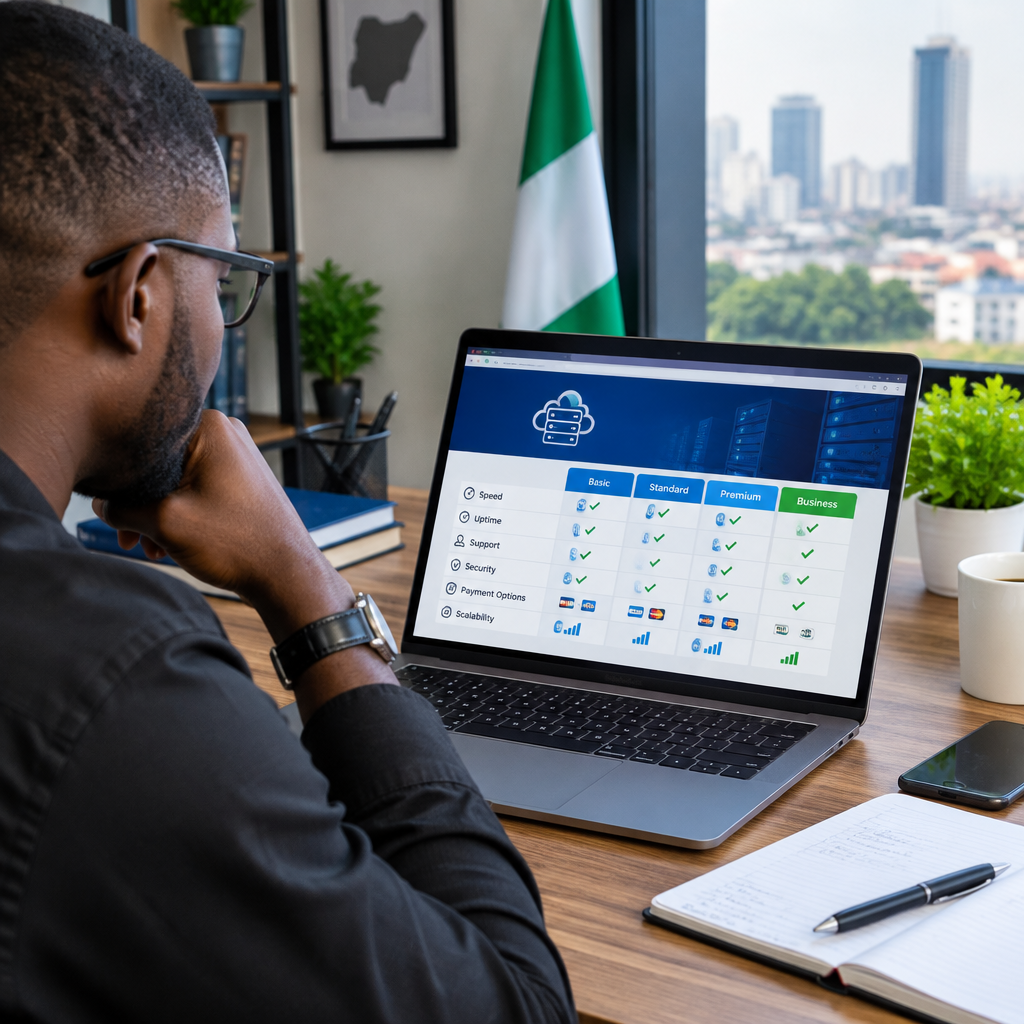
Create a short comparison table before making a decision. Record the following for each provider:
- Type of hosting and resources included
- Storage, bandwidth or traffic conditions
- Number of websites and email accounts allowed
- Backup frequency and restoration process
- SSL availability and security tools
- Support channels and expected response process
- First-term price, renewal price and cancellation terms
- Upgrade choices if the website grows
Give each category a priority. For an online shop, security, backups and reliability may matter more than storage. For a media or information website, traffic handling, image management, caching and support may deserve greater attention. For a small service business, ease of use and dependable support may be the deciding factors.
Common mistakes to avoid
Choosing only by price: A very cheap plan may have weak support, restrictive resource limits or expensive renewal charges.
Buying unlimited features without reading conditions: “Unlimited” storage or bandwidth may still be subject to acceptable-use rules, server limits or restrictions on certain files.
Keeping everything in one account: Do not give every staff member the main hosting password. Use separate accounts where available and enable strong passwords and two-factor authentication.
Ignoring backups: A backup advertised by a provider may not be easily restorable or may be stored on the same system. Understand the process and maintain your own important copies.
Registering the domain under someone else’s details: The business should retain control of its domain registration and account access. If a developer manages the setup, agree clearly on ownership and handover access.
When should you change hosting?
Consider moving when your website repeatedly becomes unavailable, loads poorly despite sensible optimisation, reaches resource limits, receives inadequate support or outgrows the current plan. Before migrating, create verified backups, document email accounts and DNS records, and plan the change to reduce disruption.
For businesses that provide web development, hosting or online services to Nigerian customers, selecting dependable hosting is also part of protecting the customer relationship. A technically attractive website is not enough if visitors cannot access it or enquiries disappear during an outage.
The best hosting choice is fit, not hype
A new Nigerian business will often do well with reliable shared hosting that includes SSL, usable backups, responsive support and a straightforward upgrade path. A growing information platform, online shop or application may need VPS or cloud hosting once traffic and technical demands increase.
Compare the full cost, support quality, security practices and migration options before committing. The right provider is not necessarily the one with the biggest promises; it is the one whose infrastructure and service match your website’s present needs while leaving you a safe path to grow.
Advertisement
