

Advertisement

Advertisement
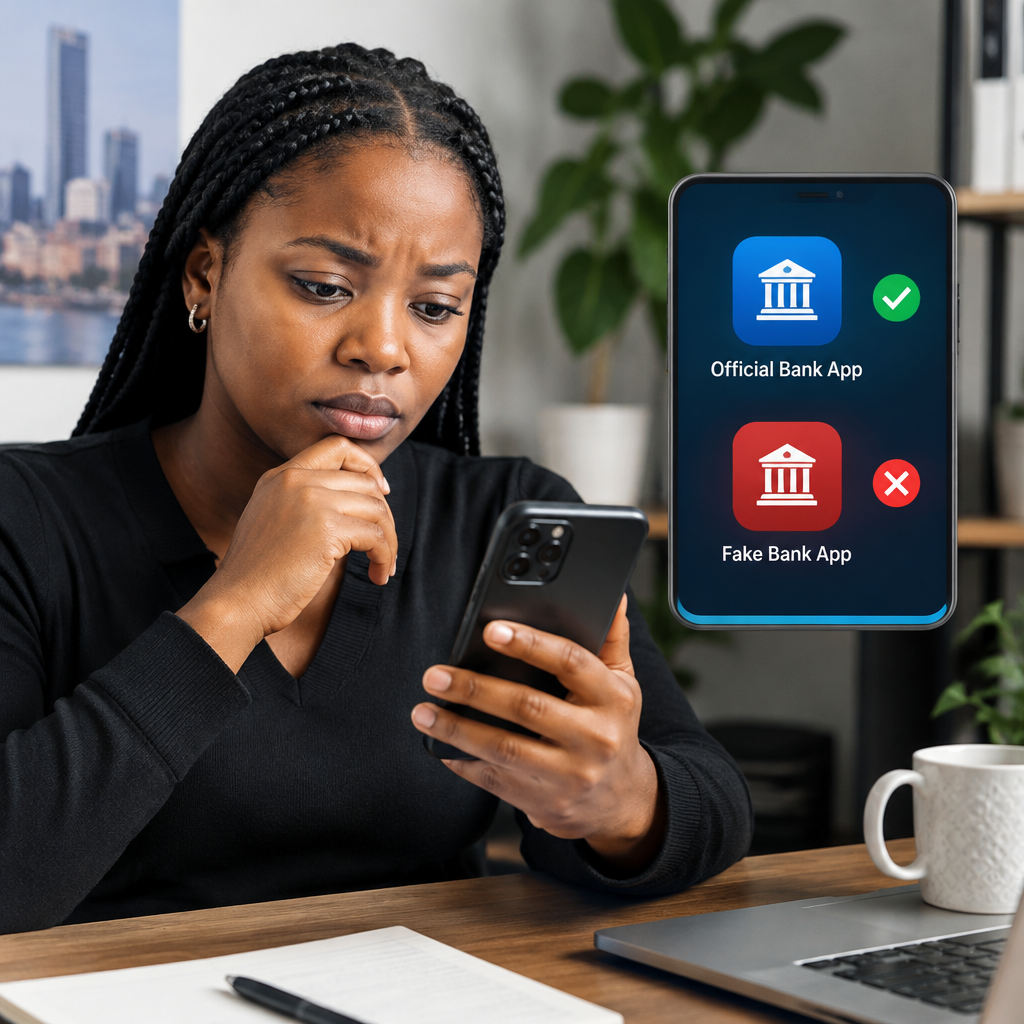
A fake bank app can look almost identical to the real application. It may use a familiar bank name, logo and colours, then ask for your account number, card details, password, PIN or one-time password (OTP). If you provide these details, criminals may use them to access your account or impersonate you.
Before downloading any banking app, slow down and verify three things: where the app came from, who published it and what permissions or information it requests. A familiar logo is not proof that an app is genuine.
Advertisement
Table of Contents
Start from the bank’s official website
The safest way to find a banking app is to visit the bank’s official website by typing the address yourself or using a trusted bookmark. Look for the bank’s mobile banking page and use the download link provided there.
This is safer than searching randomly on social media, clicking a link sent through WhatsApp or downloading an APK file from an unfamiliar website. Fraudsters often use urgent messages such as “download this new app to avoid account restriction” to pressure people into acting quickly.
Check the website address carefully. Fake websites may use a bank’s name with extra words, unusual spelling or a different domain ending. Do not assume that a page is official simply because it contains the bank’s logo.
Check the app publisher before installing
On Google Play or the Apple App Store, open the app’s full listing and inspect the developer or publisher name. It should match the bank or an officially identified technology company connected to the bank.
Be cautious when:
- the publisher name contains spelling mistakes or random words;
- the app has very few downloads compared with the bank’s size;
- the description is poorly written or makes exaggerated promises;
- the app has recently appeared without a clear explanation from the bank;
- the developer has no other credible apps or official website;
- reviews repeatedly mention stolen information, unexpected charges or login problems.
Reviews can provide useful warning signs, but they are not conclusive. Fake reviews can be created, and genuine apps can also receive complaints. Treat the store listing as one part of the verification process, not as the only proof.
Compare the app details carefully
Fraudulent apps often copy the name, icon and screenshots of a genuine banking application. Compare the listing with information on the bank’s official website, verified social media account or customer-service channel.
Look for differences in:
- the exact app name;
- the spelling of the bank’s name;
- the publisher or developer;
- the official website linked to the listing;
- the support email address;
- the description of available services.
A small difference can matter. For example, an app may use a bank’s name but add words such as “new,” “secure,” “wallet” or “update” to appear official. If the bank has not announced the app through an official channel, do not install it.
Never install a banking APK sent by a stranger
An APK is an Android application installation file. Android allows apps to be installed from outside Google Play, but an APK from an unknown source can contain malicious software. A message asking you to install an APK to receive a refund, unlock your account or activate a banking feature is a major warning sign.
Do not allow someone to control your phone remotely so they can “help” you install or activate a banking app. Remote-access tools can expose what appears on your screen, including messages and security codes.
If your bank genuinely requires a new application or security update, confirm the instruction using a trusted channel that you found independently—not only through the message or phone number provided by the sender.
Pay attention to the information the app requests
Banking apps need certain information to function, but a legitimate app should not require you to disclose sensitive security details to another person. Never send your PIN, password, card PIN, OTP, full card details or recovery codes to a supposed bank representative through WhatsApp, text message, email or a phone call.
Be particularly cautious if an app or person asks you to:
- share an OTP “to verify your account”;
- enter your ATM PIN into a form that does not look like the bank’s normal login screen;
- provide your password outside the official app;
- disable your phone’s security settings;
- grant accessibility, screen-recording or remote-control access without a clear reason;
- pay a fee before your account can be activated.
An app requesting access to contacts, text messages, accessibility features or screen content deserves careful scrutiny. Some permissions may have a legitimate technical purpose, but you should understand why they are needed and confirm the explanation with the bank.
Do not trust urgent warnings
Scammers rely on panic. A fake message may claim that your account will be blocked within minutes, that a transfer is waiting or that you have won money. The goal is to stop you from checking the information.
Pause whenever a download link is combined with urgency, secrecy or a request for confidential details. Close the message and contact the bank through the number on its official website, your bank card or a statement you already trust. Do not call a number included in a suspicious message.
A simple verification workflow
- Stop and avoid clicking the link in the message or advertisement.
- Open the bank’s official website independently.
- Find its mobile banking or app-download page.
- Follow the link to Google Play or the Apple App Store.
- Compare the publisher, app name, icon and support details.
- Read the permissions and recent reviews.
- Install only if the information matches across trusted sources.
- Keep your phone’s operating system and app store updated.
If anything does not match, do not guess. Contact the bank before proceeding.
If you already installed a suspicious app
Do not log in or enter additional information. Disconnect the phone from the internet if the app appears to be behaving suspiciously, then uninstall it if you can do so safely. Changing a password from the same possibly compromised phone may not be enough, so consider using another trusted device.
Contact your bank immediately through an official channel and explain what happened. Ask what protective steps are required. If you entered your card details, account password, PIN or OTP, tell the bank exactly which information may have been exposed. Do not hide the incident because you are embarrassed.
Review recent transactions and account alerts, but remember that checking your account does not replace contacting the bank. Also change reused passwords on important accounts and enable available security protections.
The safest rule to remember
Download a banking app only through a route that you independently verify. A professional-looking icon, a high download count or a convincing message can all be copied. The publisher, official bank website, requested permissions and the bank’s own customer-service confirmation should agree before you trust the app.
When in doubt, do not enter your details. A genuine bank can explain its official app through a trusted channel; a scammer depends on speed, fear and secrecy.
Advertisement
