

Advertisement

Advertisement
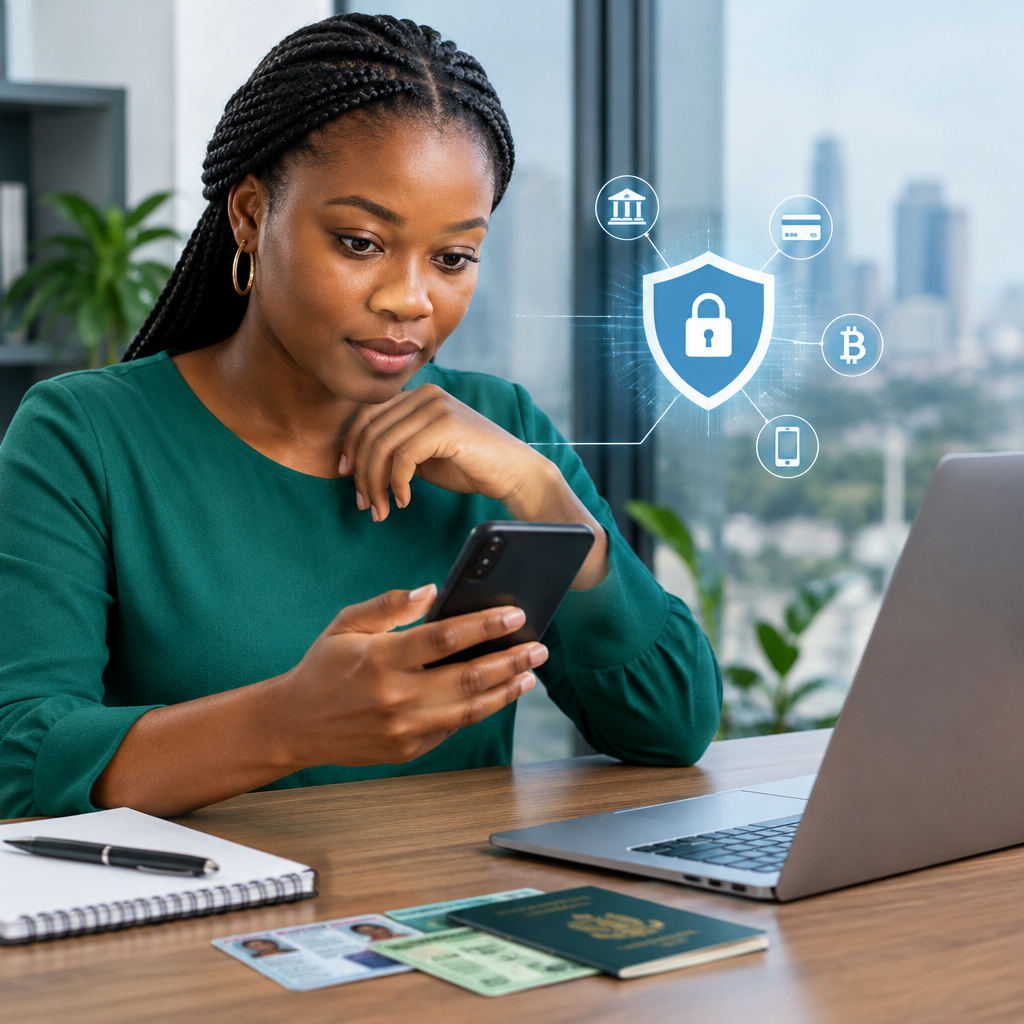
Many financial services in Nigeria may ask for an identity number before you can open an account, complete verification or access certain features. These requests can include your Bank Verification Number (BVN), National Identification Number (NIN), international passport details or another government-issued identity document.
Providing this information may be necessary for a legitimate service, but it also creates a security risk if you send it to the wrong person, upload it through a fake website or store it carelessly. Your identity number is not the same as a password: you usually cannot simply change it after it has been exposed.
Advertisement
The safest approach is simple: confirm who is requesting the information, use only an official channel, share the minimum required and protect every related account with strong security.
Table of Contents
Why identity numbers need careful protection
Identity numbers help financial institutions link an account to a real person. They may be used as part of customer identification, account verification, fraud prevention or regulatory processes. A financial service may also request a photograph, date of birth, phone number, address or identity document alongside the number.
Individually, some of these details may seem harmless. Together, they can provide enough information for criminals to impersonate you, target your accounts or make convincing scam messages. An exposed identity number can also make future phishing attempts appear more believable.
This does not mean you should refuse every verification request. It means you should treat identity information as sensitive and verify the request before responding.
Know what you are being asked to share
Before submitting anything, identify the exact information requested. A form asking for a BVN or NIN is different from a request for your bank card PIN, one-time password or password. These details should not be treated as interchangeable.
- Identity numbers: Examples include BVN and NIN. A legitimate provider may request them for identification or verification.
- Identity documents: These may include a national identity card, driver’s licence or international passport. Upload them only through a trusted, secure service.
- Account credentials: Passwords, PINs and recovery phrases must remain private.
- Transaction security codes: OTPs and similar codes can approve a login, payment or account change. Never disclose them to a caller or chat agent.
- Card information: Your card number, expiry date and security code should not be sent casually through social media or messaging apps.
A company may legitimately need an identity number while never needing your ATM PIN or an OTP. If someone asks for both, stop and verify the request through the organisation’s official support channel.
Verify the financial service before sharing anything
Scammers often imitate banks, fintech companies, cryptocurrency platforms, loan providers and payment services. A logo, professional-looking page or familiar brand name does not prove that a request is genuine.
Use this verification process:
- Start from the official source. Type the organisation’s known website address yourself or use its official app-store listing. Avoid links sent in unexpected text messages, emails, social media comments or private chats.
- Check the web address carefully. Look for misspellings, unusual domains, extra words or a page that redirects repeatedly. A padlock alone does not prove that a website belongs to the company, but an obviously suspicious address is a serious warning sign.
- Confirm the reason for the request. Read the provider’s own help pages or contact support using details from its official website or app.
- Check whether the request matches the service. A customer-support representative should not need your full security credentials to help with a routine complaint.
- Do not rely on pressure. Threats that your account will be closed immediately, or promises of instant approval and guaranteed profits, are common scam tactics.
For services relevant to Nigerians, including banks, fintech apps and digital-asset platforms, use the provider’s official documentation and support channels. Do not assume that a WhatsApp number, Telegram account or social-media profile is official merely because it uses the company’s name.
Use safer ways to submit identity information
When verification is necessary, submit your details inside the official mobile application or website rather than sending them to an individual. Avoid posting identity numbers in public comments, online forms shared by strangers or group chats.
If a document upload is required, check the destination before selecting a file. Be cautious with screenshots because they may reveal more information than necessary, including account numbers, addresses, balances or messages. If the service provides a clear way to hide irrelevant details, follow its instructions. Do not alter a document in a way that makes it invalid or misleading.
Do not use public computers or another person’s phone for sensitive verification unless there is no safer option. If you must use one, log out completely, remove downloaded files and avoid saving passwords or documents in the browser or device.
Secure the accounts connected to your identity
Protecting an identity number is only one part of the job. If criminals take control of the email address or phone number connected to a financial account, they may use it to reset access or intercept important notifications.
- Use a long, unique password for your email account and each important financial service.
- Turn on multi-factor authentication where the provider supports it.
- Use an authenticator app or security key where appropriate, rather than relying only on text messages.
- Keep your phone’s operating system, browser and financial apps updated.
- Install apps only from trusted app stores and review the developer name before downloading.
- Set a screen lock and enable device-finding or remote-wipe features.
- Keep your phone number and email account protected because they may be used for account recovery.
Never share an OTP, login approval notification, password or PIN with someone claiming to be from a bank or fintech company. If you receive an unexpected approval request, reject it and contact the provider.
A practical check before submitting a BVN or NIN
Imagine that a new financial app asks you to enter your BVN and upload an identity document. Before continuing, ask:
- Did I download the app from the provider’s genuine listing?
- Does the website or app clearly identify the organisation?
- Can I find the same verification requirement in the provider’s official help information?
- Am I using the correct account and secure internet connection?
- Does the form request only information relevant to verification?
- Is anyone pressuring me to send the information through a private chat?
- Have I protected the email address and phone number linked to the account?
If you cannot answer these questions confidently, pause. Contact the organisation through its official app, website or verified customer-service route before submitting the form.
Warning signs that a request may be a scam
Be especially careful when a request has one or more of these features:
- It arrives unexpectedly and includes a link to “update” or “unlock” your account.
- You are asked to send your BVN, NIN, password, PIN and OTP in one conversation.
- The sender promises a loan, investment return, job payment or account upgrade only after you provide personal details.
- You are told to pay an urgent fee to prevent account closure.
- The message contains an unusual web address, poor spelling or inconsistent branding.
- The person refuses to let you verify the request independently.
Criminals may already know your name or phone number. That does not prove they work for your bank. End the conversation and make contact through a trusted channel.
If you think your information has been exposed
Act quickly, but do not panic. Contact the affected bank or financial service using its official support details and explain what happened. Ask what protective steps are available for the account. Change passwords that may have been exposed, beginning with your email account, and sign out of unfamiliar sessions where the service allows it.
If you disclosed an OTP, PIN, password or card details, treat the situation as urgent and request appropriate restrictions or replacement through the provider. Review account alerts and transactions for activity you do not recognise. Keep screenshots, phone numbers, emails and transaction references as evidence, but do not forward sensitive information widely.
Also be alert for follow-up scams. Someone may contact you pretending to help recover your account and ask for another payment or security code. Use only official support channels.
The safest habit to keep
Identity verification is a normal part of using many financial services, but convenience should not remove caution. Share BVN, NIN or identity documents only when the request is necessary, the organisation is verified and the submission happens through a trusted channel. Keep passwords, PINs and OTPs completely private.
When in doubt, stop before you submit. A short delay to confirm a request is far safer than trying to recover an account after sensitive information has reached a criminal.
Advertisement
