

Advertisement

Advertisement
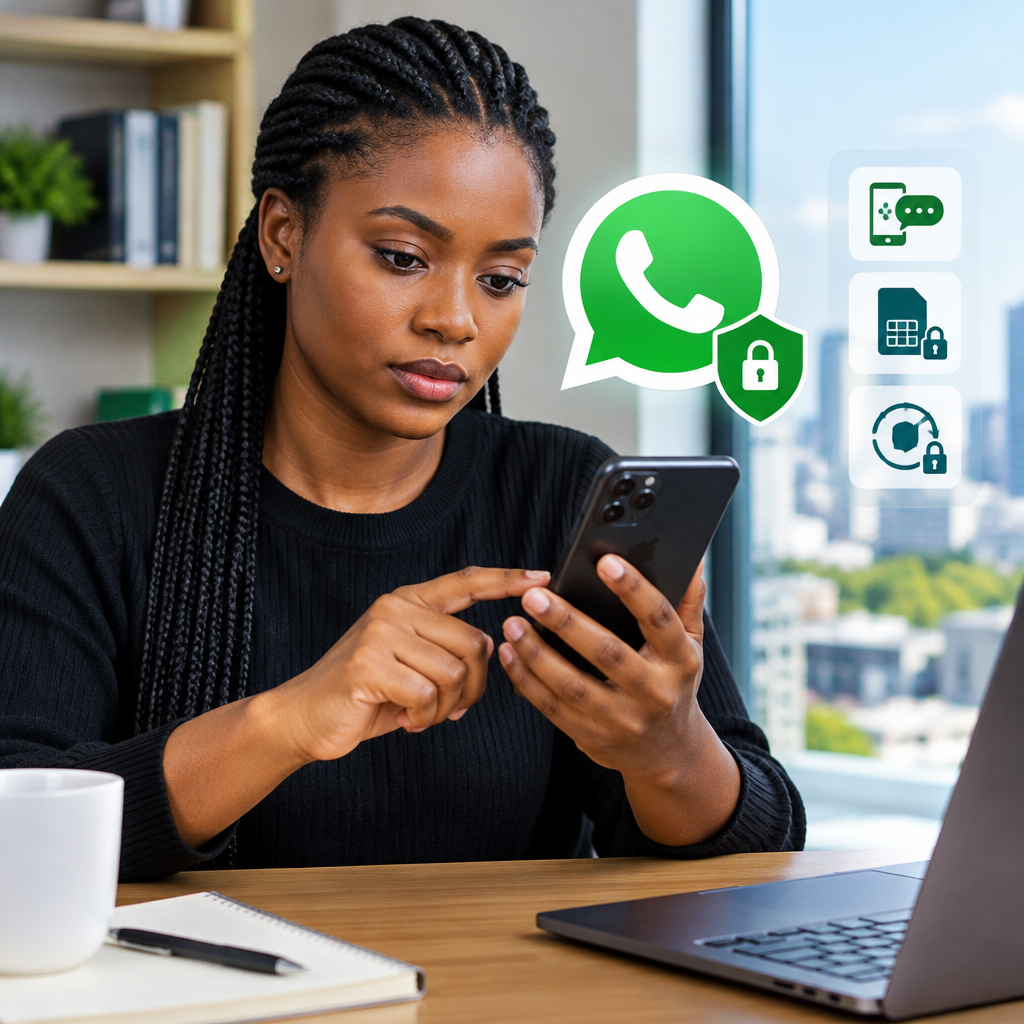
If someone is targeting your WhatsApp number, act quickly but do not panic. Most account-takeover attempts depend on tricking you into sharing a six-digit registration code, transferring your number to another SIM or approving an unfamiliar linked device.
Your first priorities are to keep every WhatsApp code private, secure your mobile line and enable WhatsApp two-step verification. These steps are especially important if you use the same phone number for banking alerts, business contacts, job applications or other online accounts.
Advertisement
Table of Contents
Signs that your WhatsApp number may be targeted
A targeting attempt does not always mean that your account has already been hacked. Watch for warning signs such as:
- Receiving a WhatsApp registration code that you did not request.
- Someone asking you to forward a code sent by SMS or WhatsApp.
- A message claiming to be from WhatsApp support, a friend, family member or an organisation asking for urgent verification.
- Being logged out of WhatsApp unexpectedly.
- Messages appearing in chats that you did not send.
- Unknown devices listed under Linked devices.
- Your phone suddenly losing mobile service without an obvious reason.
An unexpected registration code usually means that someone entered your phone number while trying to register WhatsApp on another device. They still need the code sent to your phone, so never share it.
Do not share your WhatsApp registration code
The six-digit code used to register WhatsApp is private. WhatsApp will not need you to send that code to a friend, customer-service agent, buyer, seller or anyone else.
Scammers may create urgency by saying that your account will be blocked, that a prize is waiting for you or that they accidentally sent their code to your phone. These stories are designed to make you act before thinking.
If a contact asks for a code, call the person through a trusted number or speak to them in person. Do not rely only on the same WhatsApp account if you suspect it has been compromised.
Enable WhatsApp two-step verification
Two-step verification adds a personal PIN that is required when your number is registered with WhatsApp again. It is separate from the one-time registration code sent by SMS or phone call.
- Open WhatsApp.
- Go to Settings.
- Select Account, then Two-step verification.
- Choose Enable.
- Create a PIN that other people cannot easily guess.
- Add an email address if WhatsApp offers the option and you can protect that email account securely.
Menu names can vary slightly between Android, iPhone and different app versions. Update WhatsApp through your phone’s official app store if a security option is missing.
Do not use your ATM PIN, date of birth, NIN, BVN, phone number or a simple sequence as your WhatsApp PIN. Also avoid reusing a PIN that protects another important account.
Check and remove unknown linked devices
Someone who accessed your unlocked phone may link WhatsApp Web or another device without taking over your number. To check:
- Open WhatsApp and go to Settings or the three-dot menu.
- Tap Linked devices.
- Review the listed browsers, computers or phones.
- Tap any device you do not recognise and choose Log out.
If you are unsure about a device, log it out. You can link your own computer again later. Use a screen lock on your phone so another person cannot open WhatsApp while the device is unattended.
Protect the mobile number connected to WhatsApp
Your phone number is the key used to register the account, so protect it with your mobile network provider.
- Contact your network provider if your line suddenly stops making calls, sending texts or receiving service.
- Ask whether there has been a SIM replacement, number transfer or other unusual activity on your line.
- Use any available account PIN or security question offered by your provider.
- Keep your SIM registration and identity information accurate with your network provider.
- Avoid posting your phone number publicly when it is not necessary.
A sudden loss of service can have innocent causes, but it may also indicate a SIM-related problem. If you use the number for banking or payment services, contact the relevant provider through its official channel as well.
If you are still logged in to WhatsApp
Do the following immediately:
- Enable two-step verification.
- Review Linked devices and log out anything unfamiliar.
- Tell close contacts that messages requesting money, codes or urgent help should be ignored.
- Change the password of the email account connected to WhatsApp if you suspect it is exposed.
- Update your phone’s operating system and WhatsApp from official sources.
- Remove suspicious applications that request unusual access to SMS, notifications or accessibility features.
Do not delete the account in a rush. First secure the number and preserve useful evidence, such as suspicious messages, phone numbers and approximate times.
If you have been logged out
Open the official WhatsApp application and register your number again using the code sent to you. Entering the code on your own phone normally logs the other device out.
If the attacker enabled two-step verification, WhatsApp may request the PIN that you did not create. Use the account-recovery options shown in the app and follow WhatsApp’s official support process. Do not pay a stranger who claims they can recover the account or send them your code, password or identity documents.
Warn your contacts through normal calls, SMS or another platform. Ask them to ignore requests from your WhatsApp account until you confirm that it is secure.
Common mistakes that make takeovers easier
- Sharing an OTP: No legitimate helper needs your private registration code.
- Using an obvious PIN: A PIN based on personal information is easier to guess.
- Ignoring linked devices: An attacker may continue reading new messages through an active session.
- Clicking urgent links: Fake login pages can collect passwords and other personal details.
- Installing unofficial WhatsApp versions: Modified apps may expose messages, contacts or login information.
- Leaving the phone unlocked: Physical access can be enough to change settings or link a device.
A simple response plan
Within minutes: Stop replying to suspicious requests, save evidence and refuse to share any code.
Within the hour: Enable two-step verification, inspect linked devices and contact your network provider if your mobile service behaves unusually.
After securing the account: Notify contacts, update the app and phone, review email security and check important accounts connected to the number.
WhatsApp security is not only a technical issue. For Nigerians using their numbers for work, online shopping, financial services, creator activities or family communication, losing access can create wider risks. The most effective protection is simple: keep registration codes private, use two-step verification, secure your SIM and treat unexpected urgency as a warning sign.
Advertisement
