

Advertisement

Advertisement
Running out of phone space can stop you from installing apps, saving WhatsApp media, downloading videos or recording important moments. Choosing a phone with too little storage is frustrating, but paying for more capacity than you need is also a waste.
The key is to understand what phone storage means, how much usable space you actually receive and whether the phone supports expandable storage. For most buyers, the best decision depends on how they use their phone—not simply on choosing the largest number available.
Advertisement
Table of Contents
What is phone storage?
Phone storage is the built-in space used to keep the operating system, apps, photos, videos, music, documents and downloaded files. It is sometimes called internal storage or ROM in phone adverts, although ROM is not the most precise technical term.
Storage is measured in gigabytes (GB). Common options include 64GB, 128GB, 256GB and 512GB. Some premium phones offer 1TB or more.
The advertised capacity is not completely available to you. The operating system and pre-installed apps use part of it, so a phone advertised as having 128GB will show less free space when you first set it up. Updates and cached files can also gradually reduce available space.
Phone storage is not the same as RAM
RAM helps your phone keep apps active and switch between them. Storage keeps your files and apps even when the phone is switched off.
- More RAM: can help with multitasking and demanding apps.
- More storage: gives you more room for apps, photos, videos and documents.
A phone with 8GB of RAM does not automatically have 8GB of storage. Check both specifications separately before buying.
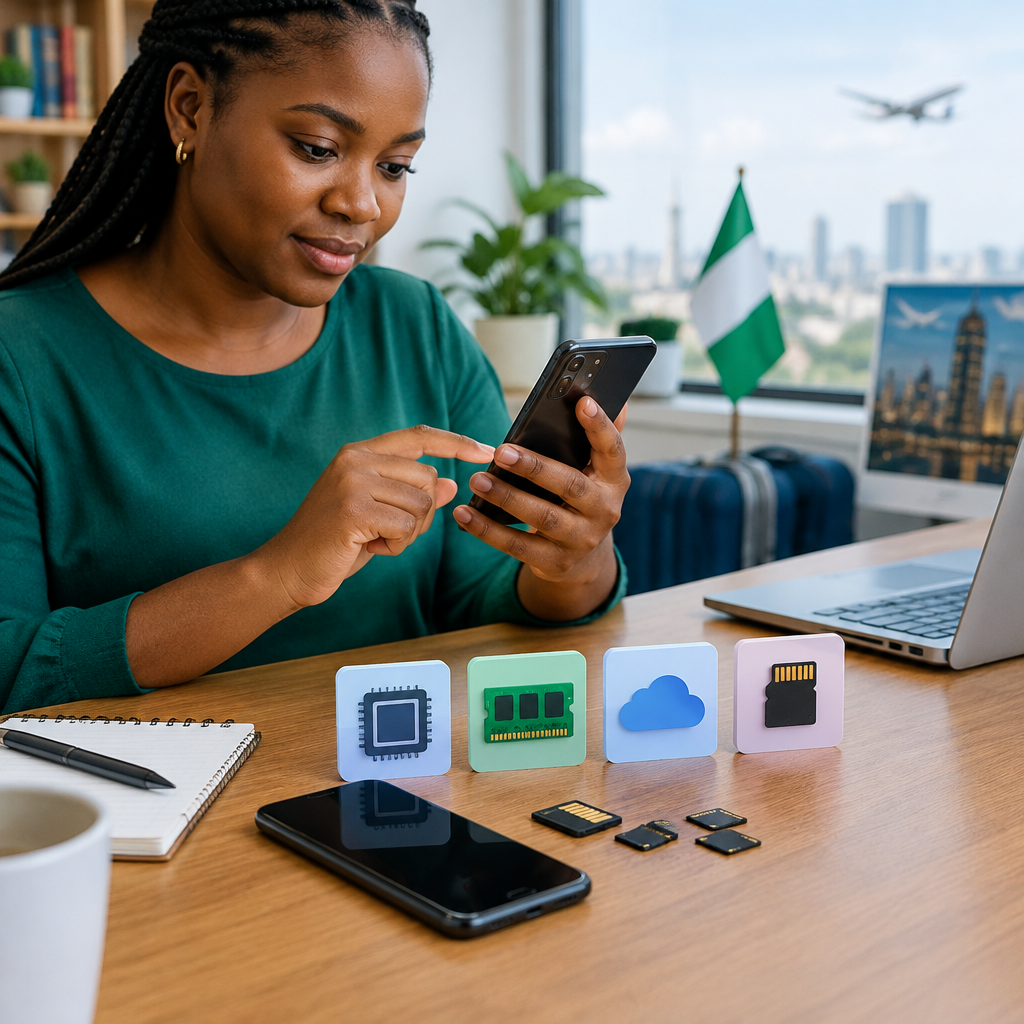
The main types of phone storage
Built-in internal storage
Internal storage is the primary storage fitted inside the phone. It is usually faster and more reliable for everyday use than a cheap removable memory card. Your operating system and most apps use this storage.
Internal storage is not normally removable or upgradeable. If you buy a 128GB phone and later need more space, you may have to delete files, use cloud storage or replace the phone.
Expandable storage with a microSD card
Some Android phones include a microSD card slot. A memory card can provide extra space for photos, videos, music and selected files. This can be useful if you download entertainment, keep many pictures or want a lower-cost way to increase capacity.
However, microSD support is not universal. Some phones have no card slot, while others use a hybrid slot that forces you to choose between a second SIM and a memory card. Check the exact model—not just the phone series—before buying.
Memory cards also have different speed and quality levels. A slow or unreliable card may affect file transfers and can fail, potentially causing data loss. Use a reputable card and back up important files. Do not treat a memory card as the only copy of family photos, work documents or identity records.
Cloud storage
Cloud storage keeps copies of files on internet-connected servers rather than only on your phone. It can help you access photos and documents across devices and recover them if your phone is lost or damaged.
Cloud storage is not the same as increasing your phone’s internal capacity. Large files may still use local space if they are downloaded for offline use. You also need an internet connection to upload, sync or retrieve many files, and some services charge for larger storage plans.
For Nigerian users, data costs and network availability are practical considerations. Automatic photo backup may use a lot of mobile data unless it is configured to run over Wi-Fi or according to your preference.
How much storage do you need?
There is no single correct capacity, but the following guide can help you estimate your needs.
| Capacity | Usually suitable for | Things to consider |
|---|---|---|
| 64GB | Light users who mainly call, message, browse and use a small number of apps | Can fill quickly after system files, app data and media are included |
| 128GB | Most everyday users, students and workers who take photos and use common apps | A practical starting point, but regular video recording may require cleaning or backups |
| 256GB | Heavy app users, frequent photographers, creators and people who keep offline media | Costs more, but offers useful breathing room for several years |
| 512GB or more | People who record large amounts of video, store extensive offline files or use demanding creative apps | May be unnecessary if you regularly back up and remove old files |
For many buyers, 128GB is a reasonable minimum for a new smartphone, while 256GB is a more comfortable choice if the price difference fits the budget. A 64GB phone can still work for a light user, but it leaves less room for future app growth and media.
What fills phone storage fastest?
Photos and videos are common causes of storage problems. High-resolution images and especially long videos can consume space quickly. Social apps can also save received photos, videos, voice notes and documents automatically.
Other major users include:
- Downloaded films, music, podcasts and football videos
- Large games and their additional updates
- Offline maps and other downloaded content
- Duplicate files saved from messaging apps
- Screen recordings and screenshots
- App cache and downloaded documents
Messaging apps deserve special attention because group chats can quietly accumulate media. Review their storage tools periodically and remove unnecessary large files rather than deleting important conversations blindly.
A simple decision framework before buying
1. Check your current usage
Open your phone’s storage settings and look at the categories using the most space. If your current 64GB phone is nearly full, moving to another 64GB device will not solve the underlying problem.
2. Consider how long you will keep the phone
If you plan to use the phone for several years, choose more capacity than you need today. Apps, operating-system files and personal media usually grow over time.
3. Think about your camera and video habits
People who mainly take occasional photos can manage with less storage. If you create social-media videos, record events or keep many clips for editing, prioritise 256GB or more where affordable.
4. Check for a microSD slot
Do not assume that every Android phone supports expandable storage. Confirm whether the slot exists, whether it accepts a second SIM and which types of files or apps can be moved to the card.
5. Compare the price difference
Sometimes the higher-capacity version offers better value than buying a smaller phone and managing storage constantly. In other cases, a lower-capacity phone plus disciplined backups is enough. Compare the complete cost, including a quality memory card or cloud plan if needed.
Ways to free space without deleting everything
- Remove apps you no longer use.
- Delete duplicate photos, screenshots and old screen recordings.
- Review large WhatsApp and other messaging-app media.
- Move important photos and documents to a computer or trusted cloud service.
- Remove downloaded videos, music and maps that you no longer need offline.
- Clear app cache where appropriate, but avoid deleting app data unless you understand what will be removed.
Before resetting a phone or deleting files, confirm that important documents, contacts and photos have been backed up successfully. A backup that was never completed cannot protect you.
The practical takeaway
Choose storage based on your habits, not on adverts alone. For a light user, 64GB may be workable; for many everyday users, 128GB is a sensible baseline; and frequent photographers, gamers and creators will usually appreciate 256GB or more.
Always check the usable space, camera and video habits, phone lifespan, microSD support and backup plan. The right phone is not necessarily the one with the biggest storage number—it is the one that gives you enough room without creating unnecessary cost or daily frustration.
Advertisement
