

Advertisement

Advertisement
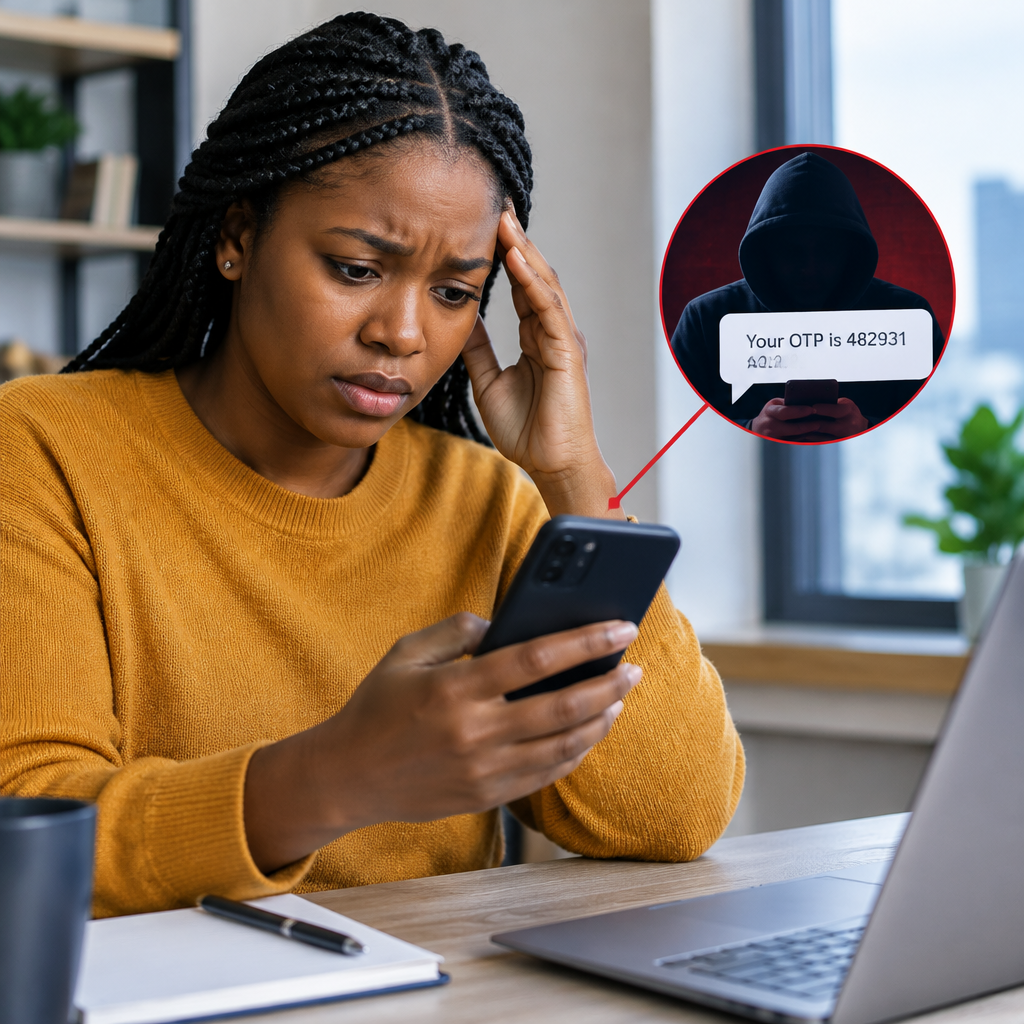
Sharing a one-time password (OTP) with a scammer does not always mean money has already been stolen, but it means you should treat the situation as urgent. An OTP is usually sent to confirm an action such as logging in, changing a password, registering a device or approving a transaction.
Do not wait to see what happens. Stop communicating with the scammer, contact the organisation connected to the OTP through its official channel, and secure any account that may be exposed.
Advertisement
Table of Contents
1. Stop the conversation immediately
Do not send another OTP, PIN, password, card detail, BVN, NIN, recovery code or identity document. A scammer may claim that the first code failed or that you must provide another code to cancel the transaction. This is often an attempt to continue the fraud.
Do not click links in the scammer’s message and do not install an app because they instruct you to do so. If you are on a call, end it. Block the number or account after you have saved evidence of the interaction.
Remember: legitimate bank, payment-service and technology support staff should not ask you to disclose an OTP sent to your phone. The code is intended for you to enter in the official app, website or service—not to read aloud to another person.
2. Identify what the OTP was for
Check the SMS, email or notification that contained the code. Look for the name of the service and the action the code was meant to approve. It may relate to:
- A bank or mobile-money transaction
- A new device or login
- A password or phone-number change
- An online shopping or payment account
- An email or social-media account
- A SIM replacement or mobile-number request
Do not delete the message. Take screenshots showing the sender, time, wording and any transaction reference. Keep the scammer’s number, username, email address, website link and payment details. This information can help the affected organisation investigate the incident.
3. Contact the affected organisation using an official channel
Use the phone number printed on your bank card, the official mobile app, a branch, or the organisation’s verified website. Do not use a number supplied by the person who contacted you. Search results and social-media accounts can also contain impersonators, so check the address carefully.
Tell the organisation clearly:
- You disclosed an OTP to a suspected scammer.
- The approximate time it happened.
- What the OTP message said it would approve.
- Whether you noticed an unfamiliar transaction, login or notification.
Ask the organisation to secure the account, review recent activity, stop pending transactions where possible and advise you on changing credentials. If it is a bank or payment provider, ask whether your card, account access, transfer features or digital channels should be temporarily restricted.
Speed matters, particularly where a transfer or card payment may still be pending. You should not assume that an unsuccessful-looking transaction has been reversed until the provider confirms it.
4. Protect your bank and payment accounts
If the OTP was connected to banking, take these precautions through the official app, website, branch or customer-care channel:
- Check recent transactions and beneficiaries or recipients.
- Report every transaction you do not recognise.
- Ask whether your account, card or transfer channel should be blocked temporarily.
- Change your banking password or transaction password if the provider recommends it.
- Review alerts and registered devices or phone numbers.
- Do not share your ATM PIN, app password or another OTP with anyone claiming to help.
If money has left your account, report it immediately and request a fraud case or complaint reference number. Keep that reference and all correspondence. A report cannot guarantee that funds will be recovered, but delaying the report can make tracing or stopping the movement of funds more difficult.
5. Secure your email and main accounts
An OTP can sometimes be used to take over an email, social-media, shopping or cryptocurrency account. Email is especially important because it may be used to reset passwords for other services.
From a device you trust, sign in directly—not through the scammer’s link—and:
- Change the password to a new, unique password.
- Sign out unknown devices and sessions.
- Check recovery email addresses and phone numbers.
- Remove unfamiliar authenticator apps, passkeys or trusted devices.
- Review recent security activity and account changes.
- Turn on two-step verification using an option you control.
If you can no longer sign in, use the service’s official account-recovery process. Tell your contacts that the account may be compromised, especially if the scammer could send messages in your name asking for money.
6. Watch your phone number and SIM
Sometimes the goal is not only to use the OTP but to take control of the phone number connected to an account. Contact your mobile network through an official channel if you notice that your phone suddenly loses network service, stops receiving messages or shows other unusual behaviour.
Ask the network provider to check for an unauthorised SIM replacement or account change and explain that you may be the target of fraud. If your number is connected to banking, email or social-media accounts, contact those services as well. Your network provider may require identity checks before discussing the account, so use the details and documents requested through its legitimate process.
7. Check for wider exposure
Think about what else you told the scammer or entered on a website. An OTP may be only one part of a larger attack. If you provided a password, change it anywhere it was reused. If you entered card details, ask the card issuer whether the card should be blocked or replaced. If you sent an identity document, tell the relevant organisation and be alert for later impersonation attempts.
Review your accounts over the following days for password-reset messages, new beneficiaries, unfamiliar logins, unexpected purchases and messages sent without your permission. Treat new calls claiming to be from your bank, network provider or police with caution. The scammer may use the first incident to gather more information.
8. Report the scam and preserve evidence
Report the incident to the affected bank, payment provider, network operator or online platform first. You can also report suspected cybercrime or fraud to the appropriate law-enforcement or consumer-protection authority in Nigeria, following its official reporting route.
Include dates, phone numbers, account names, links, screenshots, transaction references and the steps you have already taken. Do not edit screenshots in a way that removes useful details, and do not publish your full account number, card number, OTP or identity documents online.
What not to do after an OTP scam
- Do not pay a person who promises guaranteed recovery of your money.
- Do not give a second OTP to “reverse” the first one.
- Do not download remote-access software at the scammer’s request.
- Do not confront or threaten the scammer.
- Do not delay reporting because the amount seems small.
- Do not assume a familiar caller ID proves the caller is genuine.
A simple emergency order of action
If you are unsure what to do, follow this order:
- End contact with the scammer and save the evidence.
- Call the affected bank, payment service or platform through its official channel.
- Block or secure the account, card, wallet or transaction feature as advised.
- Change exposed passwords and sign out unknown devices.
- Contact your mobile network if your number or SIM may be involved.
- Monitor accounts and report any unauthorised activity immediately.
Sharing an OTP is serious, but it is not a reason to panic or surrender to another scammer. The most useful response is fast, controlled action: contact the real service, secure access, document what happened and refuse every request for additional secret information.
Advertisement
