

Advertisement

Advertisement
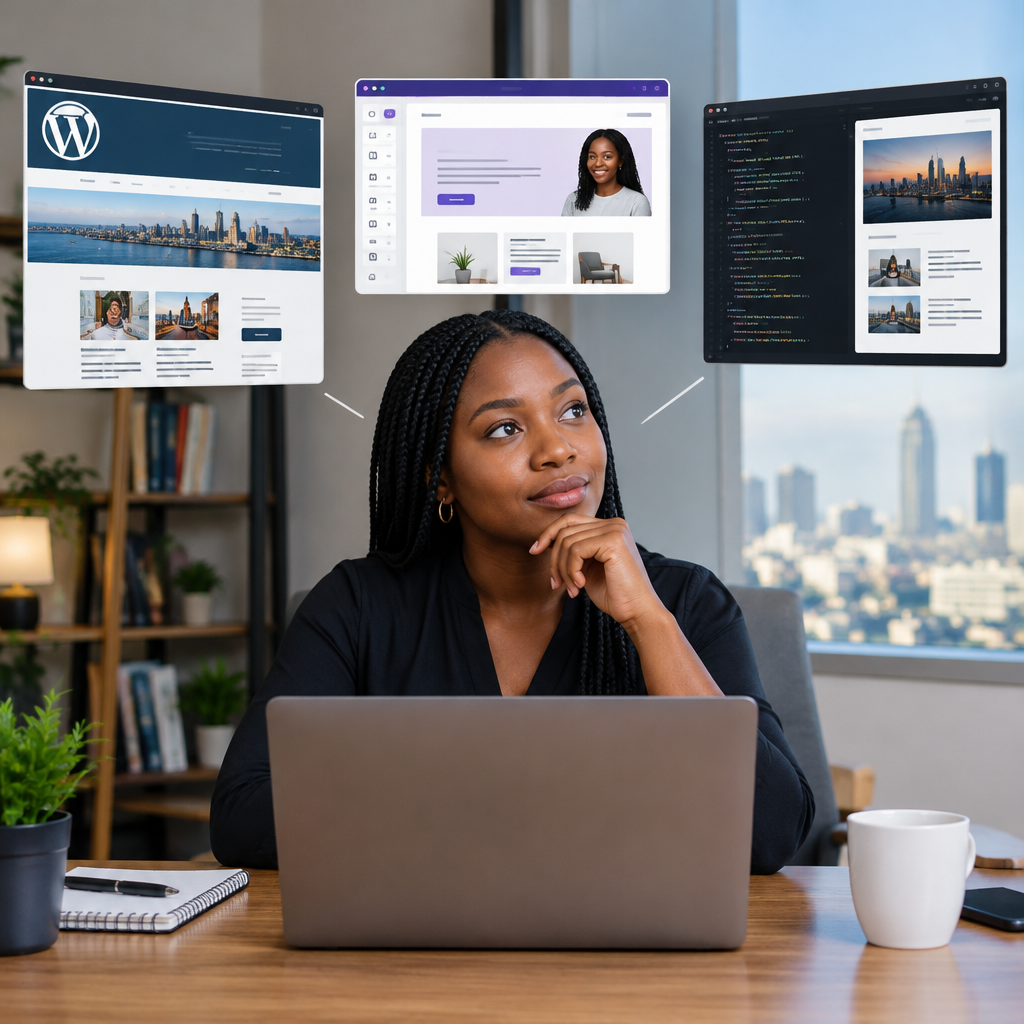
Choosing how to build a business website can feel more complicated than it should be. You may hear that WordPress is the professional option, website builders are only for beginners, or custom code is always better. None of these statements is universally true.
The right choice depends on what your business needs to do, how quickly you need to launch, who will manage the site and how much flexibility you may need later. A Nigerian entrepreneur selling products online has different requirements from a school, a creator, a service provider or a digital news platform.
Advertisement
This guide compares the three main routes so you can make a practical decision instead of choosing based on hype.
Table of Contents
The three website-building routes
1. Website builders
Website builders are hosted platforms that let you create a site using templates, visual editors and ready-made features. You usually choose a design, add your text and images, connect a domain and publish without managing a separate hosting account or writing code.
This route is often suitable for:
- Small businesses that need a simple online presence
- Freelancers and professionals displaying their services
- Events, portfolios and basic landing pages
- Businesses testing an idea before investing heavily
The main advantage is speed. A basic site can be assembled relatively quickly, and technical maintenance is usually handled by the platform provider.
The trade-off is control. You may be limited by the platform’s templates, integrations, payment options, export features or subscription structure. If the business later needs unusual functionality, moving away from the platform may be difficult.
2. WordPress
WordPress is a content management system that can be used to publish pages, blog posts, images, products and other types of content. A self-hosted WordPress website normally requires a domain name, web hosting, a theme and possibly plugins for additional features.
WordPress is a strong middle option because it provides more control than many website builders without requiring every feature to be developed from the beginning. A business can start with a simple site and add capabilities such as:
- Blogging and regularly updated information
- Contact forms and appointment requests
- Online shops and product catalogues
- Membership or restricted content
- Search-engine optimisation tools
- News, education and resource sections
For organisations that publish frequently, WordPress can be especially useful. A digital platform covering technology guides, football updates, educational opportunities and practical tutorials may need to create and organise content regularly. A content management system is generally more convenient for that workflow than a one-page website builder.
However, WordPress is not completely maintenance-free. The software, themes and plugins need to be kept updated. Administrators should also use strong passwords, reliable backups and security measures. Poorly maintained plugins or themes can create problems, slow the site or introduce security weaknesses.
3. Custom-coded websites
A custom-coded website is built specifically for a business rather than being assembled mainly from an existing theme or template. Developers can create the interface, database structure, user accounts, business rules and integrations around the organisation’s exact requirements.
Custom development may be appropriate when a business needs:
- A specialised booking, marketplace or customer portal
- Complex connections to internal systems or external services
- Unique workflows that standard plugins cannot handle reliably
- Detailed control over performance, permissions or data
- A product that is itself a technology platform
Custom code offers the greatest flexibility, but it usually requires more planning, development time, testing and ongoing technical support. The initial project may also cost more than a standard website. A custom build is not automatically better if the business only needs a few pages and a contact form.
A practical comparison
| Factor | Website builder | WordPress | Custom code |
|---|---|---|---|
| Launch speed | Usually fastest | Fast to moderate | Usually slowest |
| Technical skill required | Low to moderate | Moderate | High or requires a developer |
| Design flexibility | Limited by platform and templates | High with the right theme or development | Very high |
| Ongoing maintenance | Mostly handled by provider | Owner or developer must manage updates | Requires a planned technical process |
| Best for | Simple sites and quick launches | Content-rich and growing businesses | Complex products and specialised systems |
How to choose the right route
Instead of asking which technology is the best, ask which one fits the business problem.
Choose a website builder when speed and simplicity matter most
A website builder may be enough if you need a few pages explaining who you are, what you offer and how customers can contact you. It can be a sensible starting point for a small service business, personal brand or event.
Before committing, confirm that the platform supports your preferred domain, payment method, analytics tools and customer communication process. Also check what happens if you stop paying or want to move the site later.
Choose WordPress when content and growth are important
WordPress is often a good fit when the website will be updated regularly or when you expect to add new sections over time. This can include a business publishing educational articles, a creator building an audience, a school sharing announcements or an online shop adding products.
It is also useful when you want more ownership of your content and hosting arrangement. That ownership comes with responsibility: select dependable hosting, use reputable plugins, create backups and restrict administrator access to people who need it.
Choose custom code when the website is a system, not just a brochure
Custom development makes more sense when visitors need to perform actions that go beyond reading information or submitting a basic form. For example, a platform may need to match users with opportunities, process different account roles, calculate results, synchronise data or manage a complex workflow.
Ask a developer to explain the proposed architecture, testing process, documentation, hosting requirements and post-launch support. A custom website should not depend entirely on one person whose knowledge is unavailable to the business later.
Think about the total cost, not only the launch price
The cost of a website includes more than design and development. Plan for domain renewal, hosting, email, security, backups, content production, payment processing, updates, support and future changes.
A low-cost launch can become expensive if the platform prevents necessary changes. Equally, an expensive custom build can waste money if the business has not yet proved that customers want the service.
A sensible approach is to separate essential features from future ideas. Launch with the smallest reliable version that solves the main customer problem, then add features based on real usage.
Questions to answer before hiring anyone
- Who is the website for, and what should visitors do first?
- Will the site need regular articles, product updates or announcements?
- Will customers pay online, create accounts or upload documents?
- Who will update the content after launch?
- Where will the domain, hosting account and website files be controlled?
- What backup and security process will protect the site?
- Can the website connect to the tools the business already uses?
- What support is included after the website goes live?
A sensible path for many small businesses
For many new businesses, starting with a well-planned WordPress website or a simple website builder is more practical than commissioning a complex custom system. This allows the business to establish its brand, answer customer questions and learn what visitors actually need.
Later, custom features can be added if the existing setup cannot support the next stage. In some cases, the best solution is a combination: WordPress for public content and a separate custom application for specialised operations.
The important point is to avoid choosing technology before defining the job the website must perform. A clear plan, reliable hosting and useful content will usually matter more to customers than whether the site was built with the trendiest tool.
The takeaway
Use a website builder for a simple, fast online presence; consider WordPress for a content-rich site that may grow; and choose custom code when you need a specialised digital product or complex workflow. Start with your audience, business process and future requirements, then select the simplest option that can support them reliably.
Advertisement
