

Advertisement
Advertisement
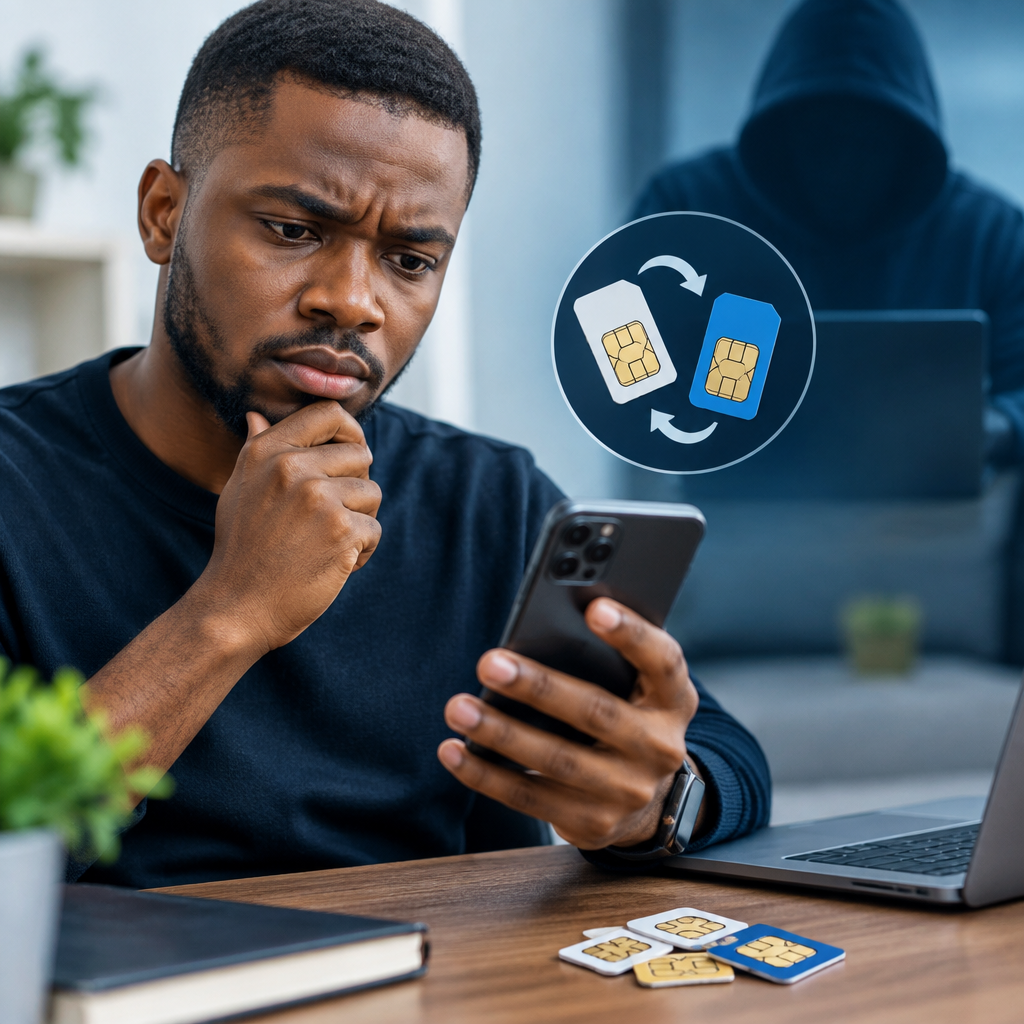
Your phone number may be connected to your bank account, email, social media, messaging apps and other important services. If someone tricks your mobile network provider into moving that number to a different SIM card, they may receive your calls and SMS messages, including one-time passwords used to reset accounts.
This type of fraud is commonly called SIM swapping, SIM replacement fraud or SIM hijacking. The criminal does not need to steal your physical phone. Instead, they try to convince your network provider that they are you and that your SIM has been lost, damaged or replaced.
Advertisement
You can reduce the risk by protecting your personal information, securing your accounts and acting quickly when your mobile service behaves unexpectedly.
Table of Contents
What happens during an unauthorised SIM replacement?
A criminal first gathers information about the target. This may come from social media, leaked databases, phishing messages, fake promotions, compromised email accounts or conversations designed to make the victim reveal personal details.
The criminal then contacts the mobile network provider or visits a service point while pretending to be the account holder. They may request a replacement SIM or attempt to transfer the number to another network or SIM card. If the request succeeds, your original SIM may stop connecting to the network.
Once the criminal controls the number, they may try to:
- Receive SMS-based login codes and password-reset messages.
- Take over email, social media or messaging accounts.
- Access accounts that rely heavily on telephone verification.
- Target bank or financial-service accounts.
- Impersonate you when contacting friends, family or business contacts.
A SIM swap does not automatically give the criminal access to every account. The danger depends on what services are linked to the number and what other security controls are in place.
Warning signs that your number may have been hijacked
The most important warning sign is a sudden loss of mobile service that you cannot explain. Your phone may show “No service”, stop receiving calls and messages, or fail to connect even after you restart it and check the signal in another location.
Other warning signs include:
- A message or email notifying you of a SIM replacement you did not request.
- Unexpected password-reset alerts or login notifications.
- Messages from friends saying they received strange requests from your number or accounts.
- Unexpected changes to your email, social media or financial accounts.
- A network-provider notification about account activity that you do not recognise.
Network problems can also be caused by outages, damaged SIM cards, phone faults or poor coverage. However, unexplained loss of service should be treated seriously, especially if it happens together with unfamiliar account alerts.
Steps to protect your SIM and phone number
1. Protect information used to identify you
Be careful with your full name, date of birth, address, identity details, phone number and other information that may be used during account verification. Do not publish more personal information than necessary on public social media profiles.
Never send your bank PIN, card PIN, password, one-time password, authentication code or SIM-related verification code to someone who contacts you unexpectedly. Legitimate support staff should not require you to disclose confidential access credentials.
Be particularly cautious with calls claiming to be from a network provider, bank, regulator, delivery company or online platform. If you need help, end the call and contact the organisation through an official channel you found independently.
2. Secure your mobile-network account
Ask your network provider whether it offers extra protection for SIM replacement, number transfer or changes to your account. Depending on the provider, this may involve an account PIN, password, security question or another verification process.
Choose a unique code that is not easy to guess. Avoid using your birthday, phone number, a simple sequence or information that appears on your social media profile. Do not reuse the same code for your bank account, email or other services.
Also ask whether you can receive notifications when a SIM replacement, number transfer or major account change is requested. These alerts can help you identify suspicious activity sooner.
3. Use stronger sign-in methods
SMS verification is better than having no additional protection, but it depends on control of your phone number. Where an important service offers stronger options, consider using an authenticator application, passkey or physical security key.
Start with your email account. Email is often used to reset other accounts, so a criminal who controls your email may be able to take over several services. Use a unique password, enable multi-factor authentication and review recovery phone numbers and email addresses regularly.
Protect banking, payment, cryptocurrency, shopping and social media accounts in the same way. Remove old phone numbers and recovery methods that you no longer control.
4. Limit public information and suspicious app access
Review what your social media profiles reveal about you. Information such as your birthday, school, workplace, location and family relationships can help criminals answer weak security questions or make convincing impersonation attempts.
Install applications only from trusted sources, keep your phone and apps updated, and remove applications you no longer use. Avoid clicking links in unexpected messages, even when the message appears to come from a familiar person.
5. Keep a safe record of important accounts
Make a private list of your important accounts and the official ways to contact each provider. Do not store passwords, PINs or recovery codes in an unprotected note or send them to yourself through ordinary messaging apps.
A reputable password manager can help you create and store unique passwords. Keep backup recovery codes somewhere secure and accessible to you, but not to anyone who gains access to your phone.
What to do if your SIM suddenly stops working
- Check whether there is a general network problem. Ask someone using the same network or check the provider’s official communication channels. Do not delay if you also receive suspicious security alerts.
- Contact your mobile network provider immediately. Use an official customer-care number, application, website or service centre. Explain that you suspect an unauthorised SIM replacement or number transfer.
- Ask the provider to secure the line. Follow its identity-verification and recovery process. Ask whether recent SIM changes or account actions can be reviewed.
- Contact your bank and financial-service providers. Tell them that your mobile number may be compromised and ask what protective action is available. Use official contact details, not numbers sent by an unknown caller.
- Secure your email first. Change its password from a trusted device, sign out unknown sessions and check recovery details and forwarding rules.
- Secure other important accounts. Change passwords, remove unfamiliar devices and revoke suspicious sessions or connected applications.
- Warn your contacts. Tell family, friends, customers and colleagues not to trust unusual requests for money, codes or personal information from your accounts.
- Record the incident. Keep dates, messages, transaction details, call records and complaint references. Report suspected fraud to the relevant provider and appropriate authorities.
Do not wait for a financial loss
Some people only report a SIM problem after money has disappeared. That is risky because a criminal may first test access by requesting password resets or contacting your contacts. A sudden loss of service is enough reason to investigate.
If you notice an unauthorised transaction, contact the financial institution immediately and follow its fraud-reporting process. Do not share your PIN, password or one-time code with anyone claiming they can reverse the transaction.
A practical protection routine
Once a month, review your email and financial accounts for unfamiliar logins, connected devices, recovery details and recent security changes. Confirm that your mobile-network account has your correct contact information and that your SIM is still the one you use.
When changing phones, selling a device or replacing a SIM, remove the old device from important accounts and dispose of the old SIM carefully. Do not leave an active SIM in a phone you have given away.
Your phone number is an important identity and recovery tool, but it should not be the only lock protecting your accounts. The strongest approach combines a protected network account, unique passwords, multi-factor authentication that does not depend only on SMS, limited public information and a quick response to unexpected loss of service.
Advertisement