

Advertisement
Advertisement
A website can look professional and still be designed to steal your password, card details, identity information or money. This is especially important when applying for jobs or scholarships, making online payments, using financial services or downloading an app from a link shared on social media.
Before entering any details, pause and check three things: where the link leads, who operates the website and what the website is asking you to provide. No single sign proves that a website is safe, but several careful checks can help you avoid many common scams.
Advertisement
Table of Contents
Start with the full web address
Look at the address bar before typing anything. Scammers often create addresses that resemble trusted websites but contain extra words, unusual symbols or small spelling changes.
For example, a fake website may use a name that looks similar to a bank, recruitment organisation or technology company. It might add words such as “verify”, “support” or “secure” to a different domain. Check the important part of the domain, not only the first words you see.
- Be careful with misspellings and unexpected hyphens.
- Check whether the domain ends in a familiar and appropriate extension.
- Do not assume that a Nigerian-looking domain or a professional design proves legitimacy.
- On a phone, tap the address bar and inspect the complete link before proceeding.
Links shortened through certain messaging platforms can hide the final destination. If you are unsure, open your browser and type the organisation’s known address yourself instead of using the link.
Do not confuse HTTPS with complete safety
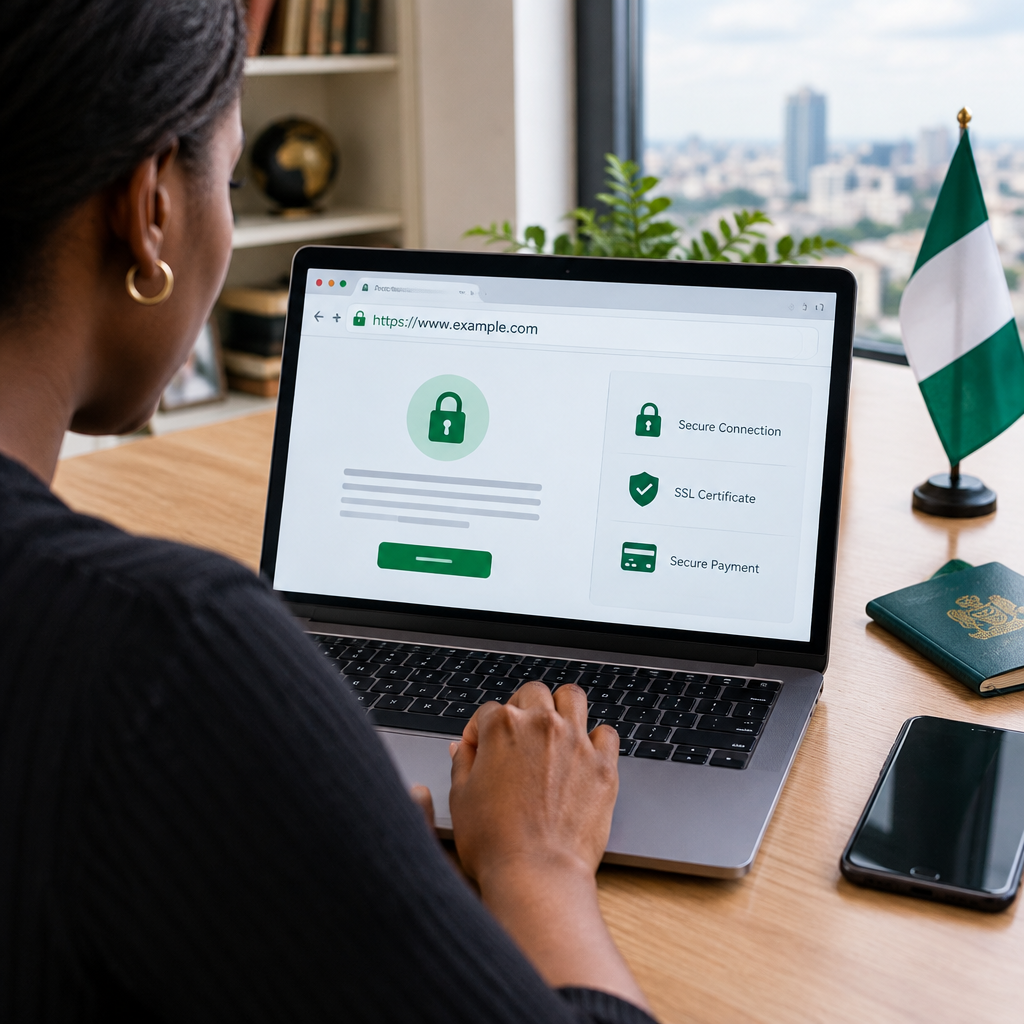
A padlock or an address beginning with https:// means that the connection between your browser and the website is encrypted. This helps protect information while it travels between your device and the site.
However, HTTPS does not prove that the organisation is honest. Scam websites can also use HTTPS. Treat the padlock as one basic security feature, not as approval from a bank, government agency or technology company.
If your browser displays a warning about an invalid certificate, an unsafe connection or a deceptive site, do not ignore it. Close the page and verify the website through an independent route.
Confirm who is behind the website
A legitimate service should normally provide information about the organisation operating it. Look for an About page, contact details, terms of service, privacy information and a clear explanation of what the service does.
These pages are not proof on their own. Scam websites may copy them from genuine organisations. Still, missing or contradictory information is a warning sign. Check whether the organisation’s name, email address and links match information found through a trusted source.
For a bank, school, employer, immigration service or scholarship provider, do not rely only on a social media post or forwarded message. Find the organisation’s official website independently and compare the address. A genuine opportunity should normally identify the provider, eligibility requirements, application route and relevant contact channel.
Check what information the website is requesting
Ask whether the request makes sense for the service. A website may reasonably need some information to create an account or process an application, but it should not demand every sensitive detail immediately.
Be especially cautious if a page asks for:
- Your password for another service.
- A banking PIN, card PIN or one-time password.
- Full card details when no payment is being made.
- Recovery phrases for a cryptocurrency wallet.
- Unexpected copies of identity documents.
- Payment before you can view a job, scholarship or supposed government benefit.
Never share an OTP, password, PIN or recovery phrase with a person claiming to be customer support. Legitimate support staff should not need your secret authentication information.
Inspect payment and login pages carefully
Before paying, check the amount, currency, recipient and reason for the payment. Do not rush because a page says your account will be blocked or an opportunity will disappear within minutes.
For online banking or financial services, access the service through the official app or a website address you already know. Avoid logging in through links sent unexpectedly by SMS, email or messaging apps. If a payment page redirects through several unfamiliar websites, stop and verify the transaction.
Use a unique password for each important account. A password stolen from a fake website can be used against your email, social media, banking or work accounts if you have reused it. Where available, activate multi-factor authentication through the service’s official security settings.
Look beyond the website itself
A website’s claims should be checked against independent information. Search for the organisation’s name along with terms such as “scam”, “complaint” or “official website”, but remember that search results and online comments can also be misleading.
For jobs and scholarships, visit the employer’s or institution’s established website separately. For financial services, use the provider’s verified support channels. For travel, immigration and education matters, confirm information with the relevant government department, embassy, university or official provider rather than an unverified agent.
Do not treat a large number of followers, positive comments or copied logos as proof. Fake accounts can purchase engagement or imitate genuine brands.
A quick decision process before you continue
- Stop: Do not enter information just because the message sounds urgent.
- Inspect: Read the full address and check for spelling changes, strange domains or redirects.
- Verify: Find the organisation independently and compare the official link.
- Minimise: Provide only information that is necessary for the specific task.
- Protect: Use a unique password and never disclose your PIN, OTP or recovery phrase.
- Review: Check payment details and permissions before confirming.
Warning signs that deserve extra caution
Several warning signs appearing together should make you leave the page:
- Pressure to act immediately or keep the offer secret.
- Promises of guaranteed jobs, profits, grants or visa approval.
- Requests to pay into a personal account or through an unusual method.
- Poor spelling combined with inconsistent organisation names.
- Fake-looking reviews, copied images or contact details that do not match.
- A login page reached from an unexpected message.
- Requests for sensitive information that the service does not reasonably need.
One spelling mistake does not automatically make a website fraudulent. Small organisations can have imperfect pages. The key question is whether the website’s identity, request and payment process can be independently confirmed.
If you have already entered your details
Act quickly, but do not panic. If you entered a password, change it immediately on the real website and change it anywhere else you reused it. Enable multi-factor authentication and review recent login activity.
If you shared card or banking information, contact your bank through its official channel as soon as possible. Do not use a phone number or link provided by the suspicious website. If you disclosed an OTP, PIN or financial account details, explain exactly what happened so the provider can advise on protective steps.
Save screenshots, the website address, messages and payment records. These details may help your bank, platform provider or relevant authorities investigate the incident. Avoid sending more information to someone who promises to recover your money for an upfront fee; that can be a second scam.
The safest habit
Security is less about recognising one magical sign and more about slowing down before a sensitive action. Open important services from trusted bookmarks or official apps, verify unexpected requests independently and share the minimum information necessary.
Whether you are applying for an opportunity, checking a financial service, shopping online or using a familiar mobile application, a few seconds spent examining the address and the request can prevent a much bigger problem.
Advertisement