

Advertisement
Advertisement
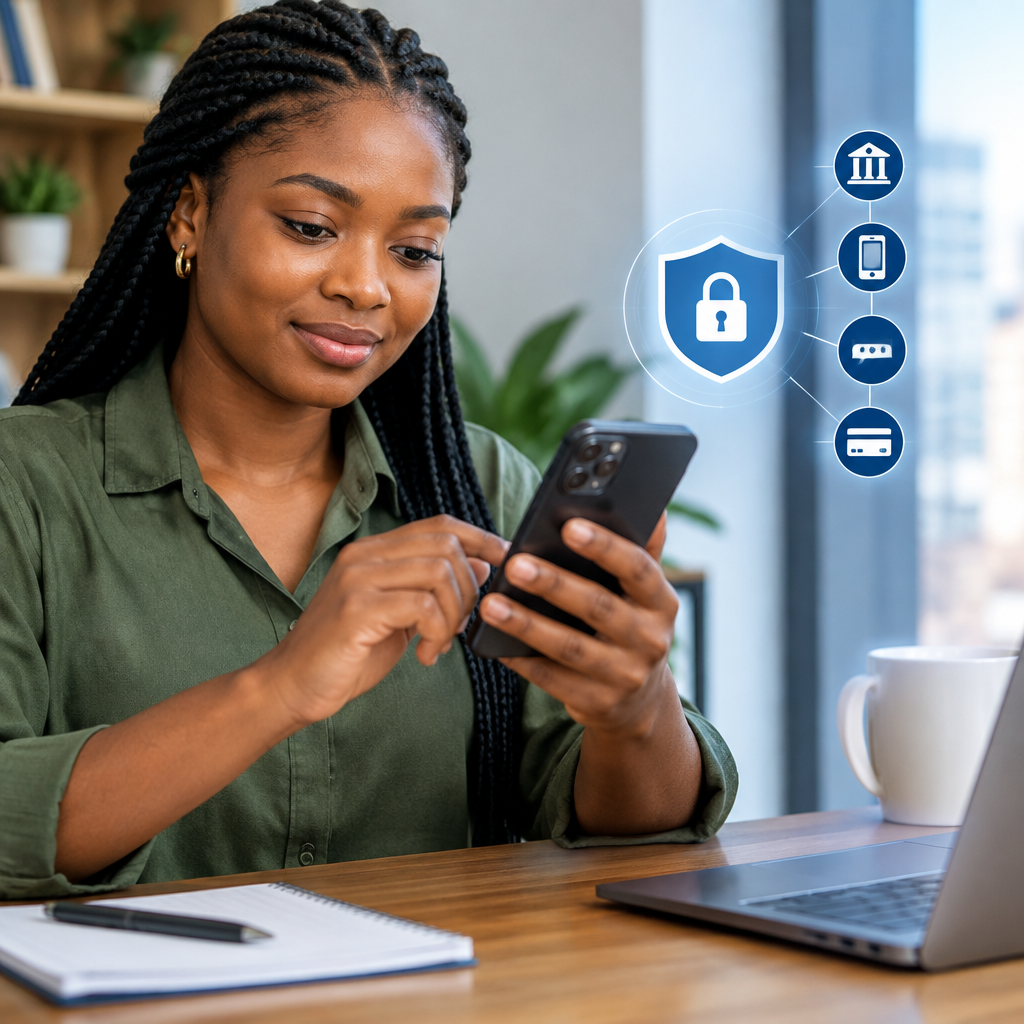
Mobile banking makes it easier to check your balance, transfer money, pay bills and buy airtime. However, one careless action—such as telling someone an OTP or entering your PIN on a fake page—can put your money at risk.
The safest rule is simple: your bank will not need you to reveal your PIN, password or OTP to “secure” your account, reverse a transfer or receive money. Use these details only inside the genuine banking channel you opened yourself.
Advertisement
Table of Contents
What your PIN and OTP are used for
A mobile banking PIN is a secret code used to authorise access or transactions, depending on the service. It may be required when using a banking app, USSD banking or another approved channel.
An OTP, or one-time password, is a temporary code sent to your registered phone number or email. It may be used to confirm a login, transfer, card payment or other action. Although it usually expires quickly, an OTP can still authorise a transaction while it is valid.
These details are not ordinary information. Treat them like cash. Do not disclose them to bank staff, friends, relatives, online vendors, social media contacts or anyone claiming to be helping you.
Set up mobile banking safely
Download only the official app
Install your bank’s application from the official Google Play Store or Apple App Store. Check the developer name, reviews and app details, but remember that these checks are not perfect. The safest route is to begin from your bank’s official website or a verified communication and follow its app link.
Do not install an app sent to you through a random WhatsApp message, text message, email or social media direct message. Avoid applications that ask you to disable security settings, share your screen or provide remote access to your phone.
Protect your phone first
- Use a strong screen lock, preferably a password or a secure biometric option.
- Keep your phone’s operating system and banking app updated.
- Do not leave your phone unlocked where other people can access it.
- Remove banking apps from phones you no longer control.
- Be careful when lending your phone, especially if your SMS messages and email are visible.
Biometric login can make access more convenient, but it does not replace good account security. Someone who knows your device passcode may still be able to access important information, so keep that passcode private.
How to use the app without exposing your secrets
- Open the app yourself. Do not use a link sent by a stranger or a pop-up claiming that your account needs urgent verification.
- Check the account and recipient details. Before confirming a transfer, verify the beneficiary name, account number, bank and amount.
- Read the confirmation message. If the OTP message describes a transaction you did not start, stop immediately.
- Enter the OTP only in the genuine banking screen. Never type it into a form opened from an unexpected message or tell it to another person.
- Log out where appropriate. This is especially important when using a shared or borrowed device.
Never screenshot or forward an OTP message. Also avoid storing your PIN in your phone’s notes, contacts or messaging apps. A saved note labelled “bank PIN” gives a thief an unnecessary advantage if your phone is lost or compromised.
Using USSD banking more safely
USSD banking can be useful when mobile data is unavailable, but it still requires caution. Dial the code through your bank’s verified channel rather than relying on a code forwarded in a group chat. Bank codes and procedures can change, so confirm them directly with your bank before using the service.
Use USSD in a private place when possible. Shield your screen while entering your PIN, and check that you are using the correct menu option before confirming a transaction. If a session behaves unusually, cancels repeatedly or displays an unfamiliar instruction, end it and contact the bank through an official channel.
Do not allow another person to “help” by taking your phone and entering your PIN. If you need assistance, contact the bank yourself and follow its approved support process.
Recognise common banking scams
Scammers often create urgency. They may claim that your account will be blocked, a transfer is waiting, your BVN or NIN needs immediate correction, or you have won a reward. The aim is to make you act before you think.
Common warning signs include:
- A caller asking for your PIN, OTP, password, card number or card security code.
- A request to move your money to a “safe account”.
- A link asking you to log in or confirm a transaction unexpectedly.
- A person requesting remote access to your phone.
- A social media account pretending to be your bank’s customer-care team.
- A request to read an OTP aloud so a transaction can be “cancelled”.
Caller ID, logos and official-looking language do not prove that a message is genuine. A scammer can imitate a bank’s name or use a compromised account to contact you.
What to do if you shared an OTP or PIN
Act quickly, but do not continue communicating with the suspicious person.
- Contact your bank immediately using the phone number in the official app, on your card or on the bank’s verified website.
- Ask the bank to block or secure the affected channel, card or account where necessary.
- Change your mobile banking password or PIN through the official process.
- Review recent transactions and report anything you do not recognise.
- Keep evidence such as messages, phone numbers, receipts and transaction references.
- If your phone or SIM is lost, contact your mobile network provider and bank without delay.
Do not wait to see whether money disappears. Reporting quickly may help the bank investigate and take protective action, although recovery is not guaranteed.
A simple safety check before every transfer
Before pressing “confirm”, pause and ask:
- Did I start this transaction?
- Am I using the official app, website or USSD channel?
- Is the recipient’s name correct?
- Does the OTP message describe the action I am taking?
- Has anyone pressured me to hurry or reveal a code?
If any answer looks wrong, cancel the process and contact the bank independently. Do not use the contact details supplied in the suspicious message.
The key takeaway
Safe mobile banking is less about memorising complicated technology and more about controlling who can authorise activity on your account. Keep your PIN and OTP private, use only genuine banking channels, verify every recipient and treat unexpected urgency as a warning sign. No legitimate support process should require you to hand over the secret code that protects your money.
Advertisement